Canned jobs for auto repair shops
Updated . In the Core plan and above.
Save the services you sell most, so every ticket prices the same way.
What it does
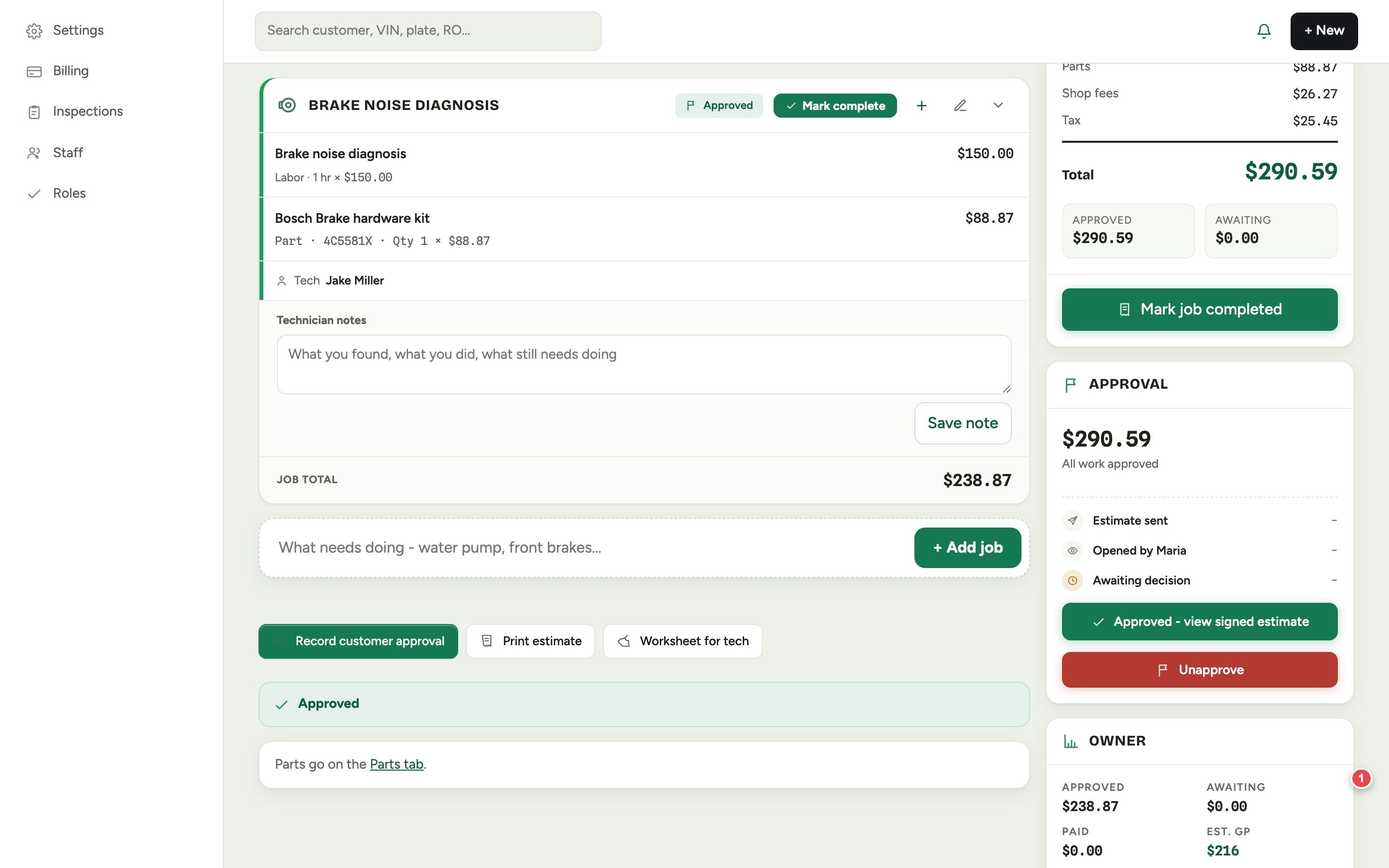
A canned job is a service you sell over and over, set up once. It works together with your labor rates: on an estimate, the hours are multiplied by your labor rate, and you can change the rate on a line if that job bills differently.
If you use Gearboxly AI for labor times, an AI estimate is labeled AI estimated. For a job you quote often, check the time once against a real labor guide and save it as a canned job.
Canned jobs and labor rates are in every plan, Core included.
How it works
- 1
Check the hours once
Use your labor guide, or your own hours, for the job you sell most.
- 2
Save it as a canned job
Keep the job so the same service is priced the same way each time.
- 3
Use it on estimates
Add the job to an estimate. Labor is billed at your labor rate, and parts are priced by your parts matrix.
Questions shops ask
Can I change the labor rate on a line?
Yes. Hours are multiplied by your labor rate. Change the rate per line if a job bills differently.
Do canned jobs come over from my old system?
No. We do not import inspections and photos, appointments, labor guides and canned jobs, text message history, declined work, loyalty balances, QuickBooks links or staff accounts from any system. Customers, vehicles, repair history and inventory do come over from a CSV export.
Which plans include canned jobs?
Canned jobs and labor rates are in the Core plan, so they are in AI and Growth too.
Related features
More in the plans
Try canned jobs in your own shop
14-day free trial of the AI plan. No credit card. No contract, cancel anytime.
Start free