AI turns inspection findings into a priced estimate
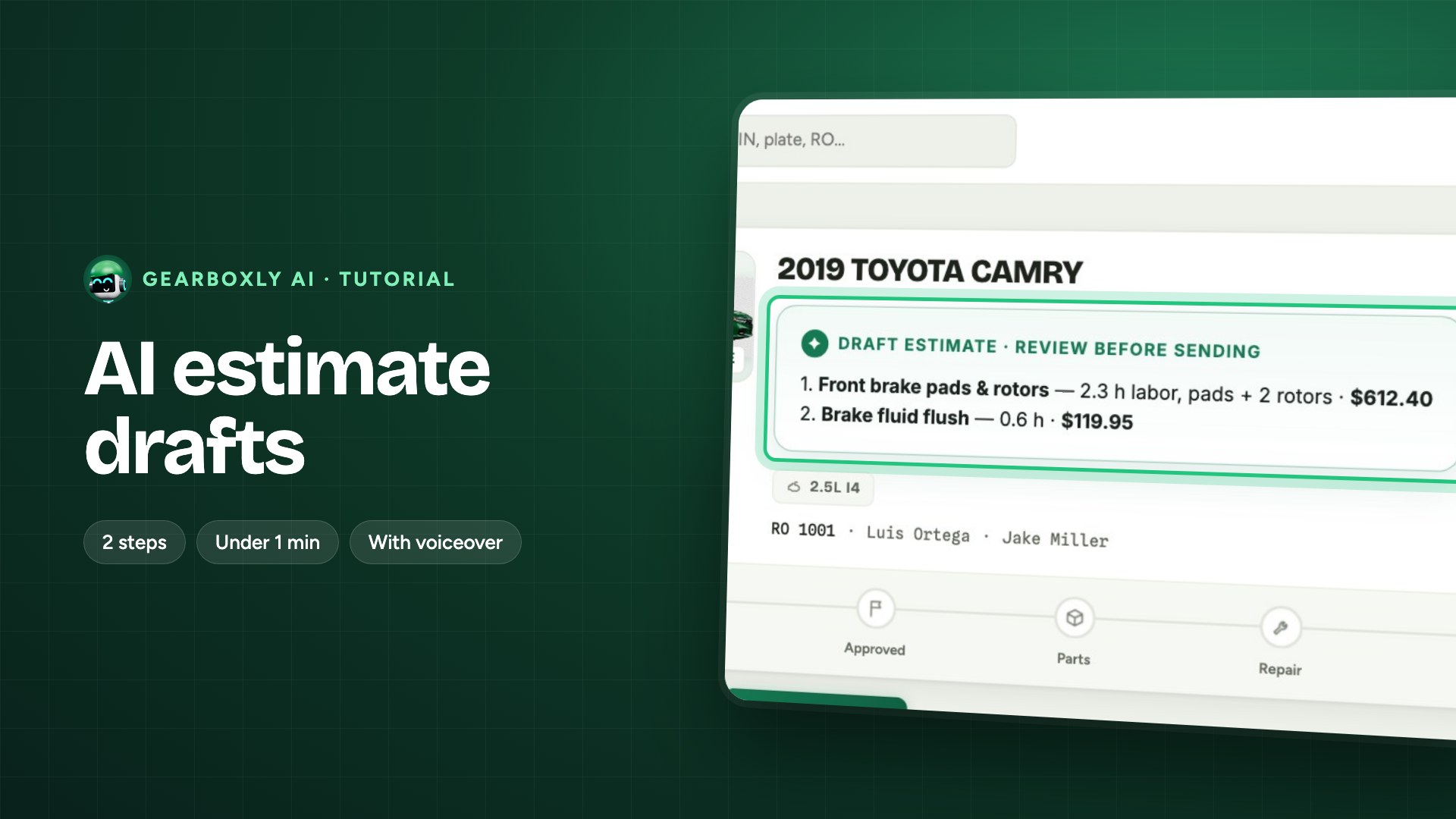
Every red and orange finding becomes a priced repair, ready to approve.
How it works
- 1
Analyze the inspection
Once the inspection is done, open AI Assistant and tap Analyze inspection.
- 2
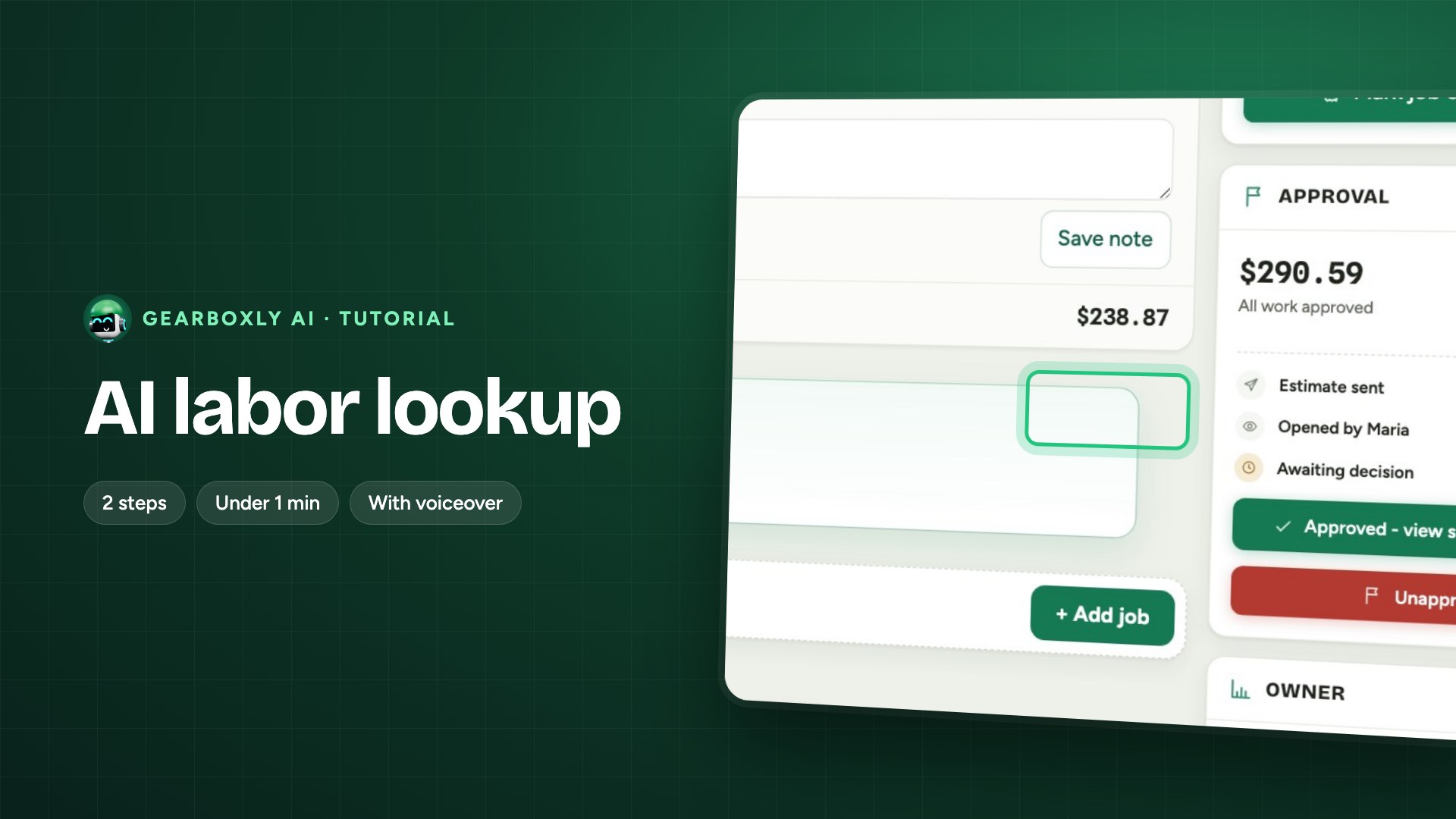
Add to the estimate
Every red and orange finding becomes a priced repair. Tap Add, and it's on the estimate, ready for Maria to approve.