Paste times from any labor guide
Paste labor from any guide and it becomes a priced job.
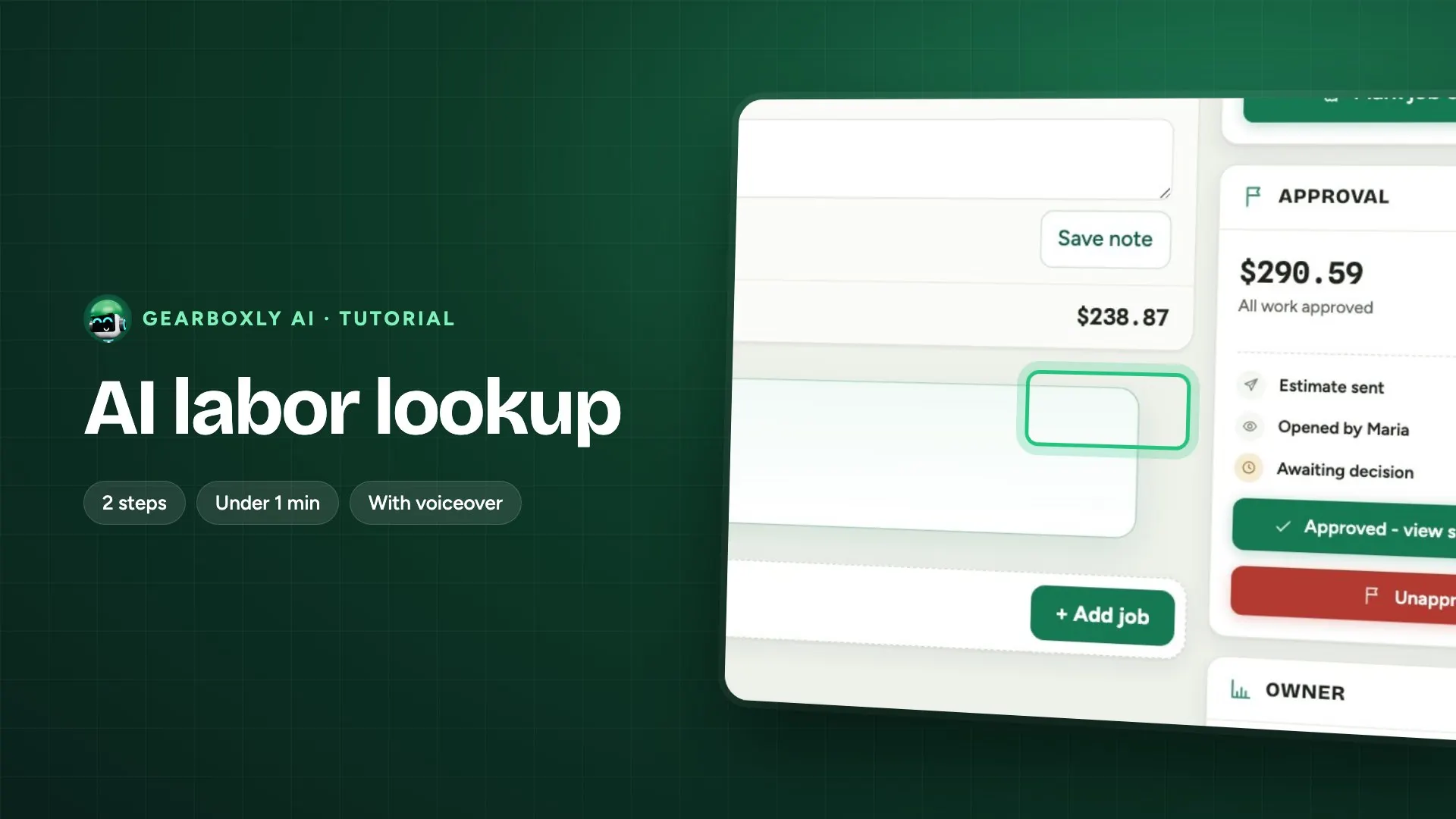
Paste from any labor guide reads labor operations copied out of the labor guide you already subscribe to, and pulls out each operation and its hours so you don't retype them.
How it works
- 1
Paste from any guide
Got labor times from another guide? Copy them, and paste into the job name. Gearboxly reads the operation and the hours.
What it does, step by step
- Open your own labor guide in your browser and look up the job on the vehicle.
- Select the operation rows and copy them.
- Paste into the job name on the repair order. Gearboxly reads the operation names and the hours from what you pasted.
- The hours go onto the job at your labor rate, and you can change the hours or the rate on any line before you send the estimate.
What it doesn't do
- It doesn't log in to your labor guide. No passwords are stored and nothing runs in the background, so there's nothing to break when the guide's site changes.
- It reads what you pasted and nothing else. If you copy the wrong operation, that's the one you get, so check it before you send.
- It is built to handle the different ways copied tables arrive: tabs, runs of spaces, or one value per line. It skips column headers, tag rows and repeated lines.
- You need your own labor guide subscription. Gearboxly doesn't supply the book times for this.
Where the data comes from
The labor guide you already pay for, opened in your own browser. Gearboxly only sees the text you paste.
Who it helps
- Service writers
- Book times on the estimate without retyping them line by line.
- Owners
- Times you can point to in a published guide, which settles a question from a customer faster than an unsourced number.
Read more
Questions shops ask
Does Gearboxly need my labor guide login?
No. You look the job up in your own browser and paste it. No credentials are stored.
What if the pasted text is messy?
It handles tabs, runs of spaces and one value per line, and it skips headers, tag rows and repeated lines. Check the result before you send the estimate.
Can I change the hours after pasting?
Yes. Change the hours or the labor rate on any line before the estimate goes out.
Why paste instead of using a time Gearboxly fills in?
A time copied from a published labor guide can be cited when a customer asks where it came from. A time filled in for you to confirm can't. If you have a guide, paste from it.
Which plans include it?
The AI plan and the Growth plan. Every new shop starts with a 14-day free trial of the AI plan, no card needed.