Labor times on the repair order
Labor times for the exact car, on the repair order in one tap.
Labor times on the repair order is the labor search on a Gearboxly repair order: it finds the hours for a job on the exact vehicle and puts them on the estimate at your labor rate, marked with where the number came from.
How it works
- 1
Open the labor guide
On the repair order, open AI Assistant and tap Labor Guide. It already knows the car: Maria's 2019 Camry, 2.5 liter.
- 2
Find the hours
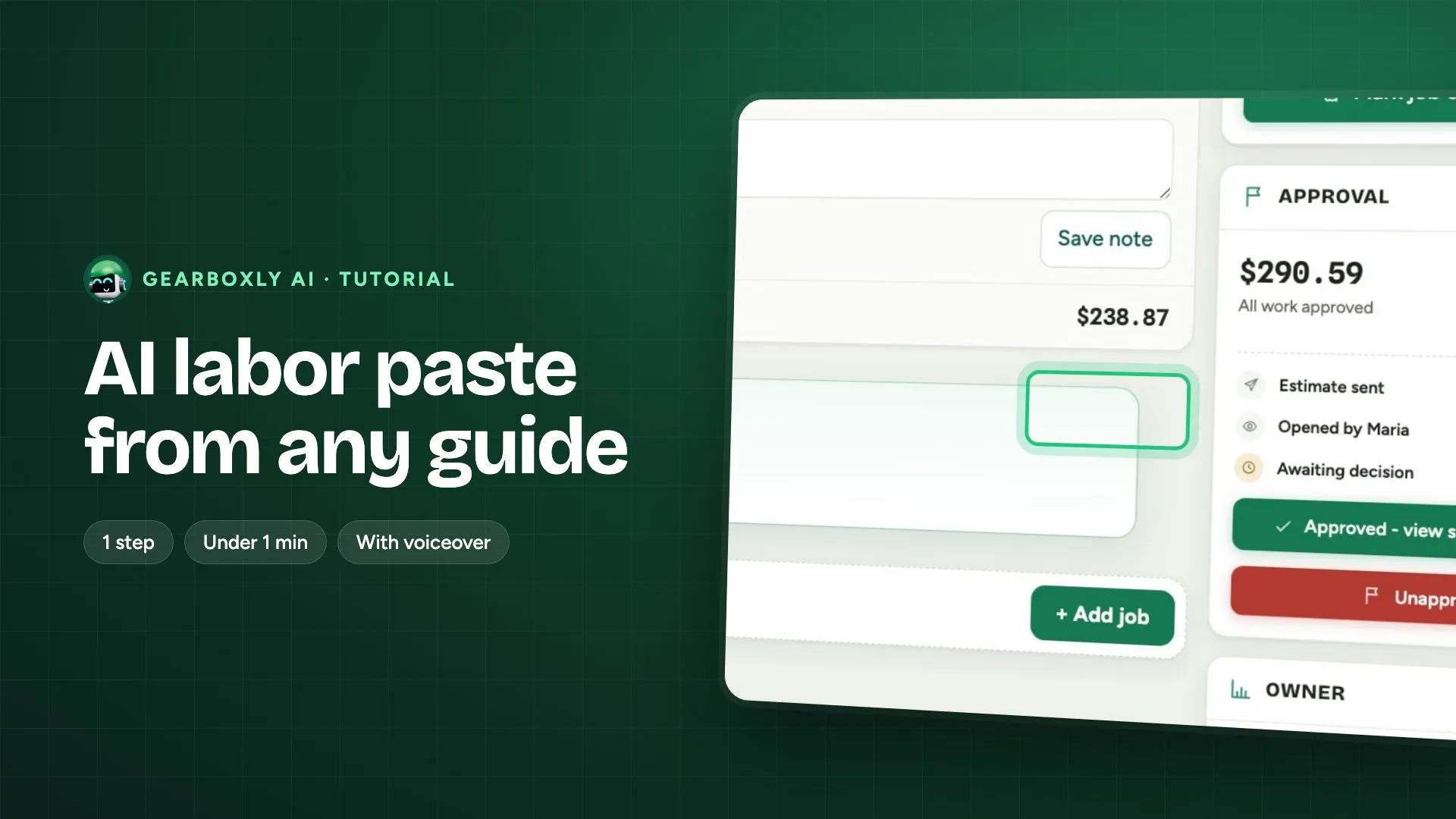
Search the job, like front brake pads, and pick the operation. The hours go straight onto the repair order at your labor rate.
What it does, step by step
- Open a repair order. The vehicle is already on it, so the lookup knows the year, make, model and engine without retyping.
- Search the job the way you would say it, like front brake pads, and pick the operation.
- When your connected labor guide has a match for that vehicle, the hours come from the guide and the line is tagged Labor guide.
- When the guide has no match, a time is filled in for you to confirm, with a confidence (high, medium or low), a range, the reason the job is long or short on this car, and two or three jobs that are often done at the same time.
- The hours are multiplied by your labor rate. You can change the hours or the rate on any line. If you change the hours, the line shows what it was before.
What it doesn't do
- A suggested time is a starting point, not a book time. Check it before it goes on an estimate.
- Confidence is set to low on pre-2000 cars, unusual vehicles and job names that could mean very different amounts of work. Treat a low answer as a guess and check it.
- The same job on the same vehicle returns the same hours each time, so two people quoting it a week apart see the same number. Consistent is not the same as correct: a job you quote often belongs in canned jobs, checked once against a real labor guide.
- It does not invent part numbers, torque figures, fluid capacities or TSB references. It leaves them out rather than guess. Any parts prices it suggests are rough ranges, not quotes.
Where the data comes from
The vehicle on the repair order, your connected labor guide, and the job you search for. Your labor rate comes from your shop settings.
Who it helps
- Service writers
- Hours on the estimate without leaving the repair order, with a clear tag on every line saying where the time came from.
- Owners
- Every line is yours to edit, and edited hours show the original, so you can see what was quoted and why.
Read more
Questions shops ask
Where do the labor times come from?
From your connected labor guide when it has a match for the vehicle, and the line is tagged Labor guide. When it doesn't, a time is filled in for you to confirm, and the line is not tagged.
Can I change the hours?
Yes. Change the hours or the labor rate on any line. If you change the hours, the line shows the original time so it's clear it was edited.
Will the same job get the same time next week?
Yes. The time for the same job on the same vehicle is kept and reused, so quotes stay consistent. For jobs you quote often, check the time once against a labor guide and save it as a canned job.
Does it give torque specs or part numbers?
No. The labor estimate never invents part numbers, torque figures or fluid capacities. It leaves them out rather than guess.
Which plans include it?
The AI plan and the Growth plan. Every new shop starts with a 14-day free trial of the AI plan, no card needed.