
Auto repair invoicing and text-to-pay
Updated
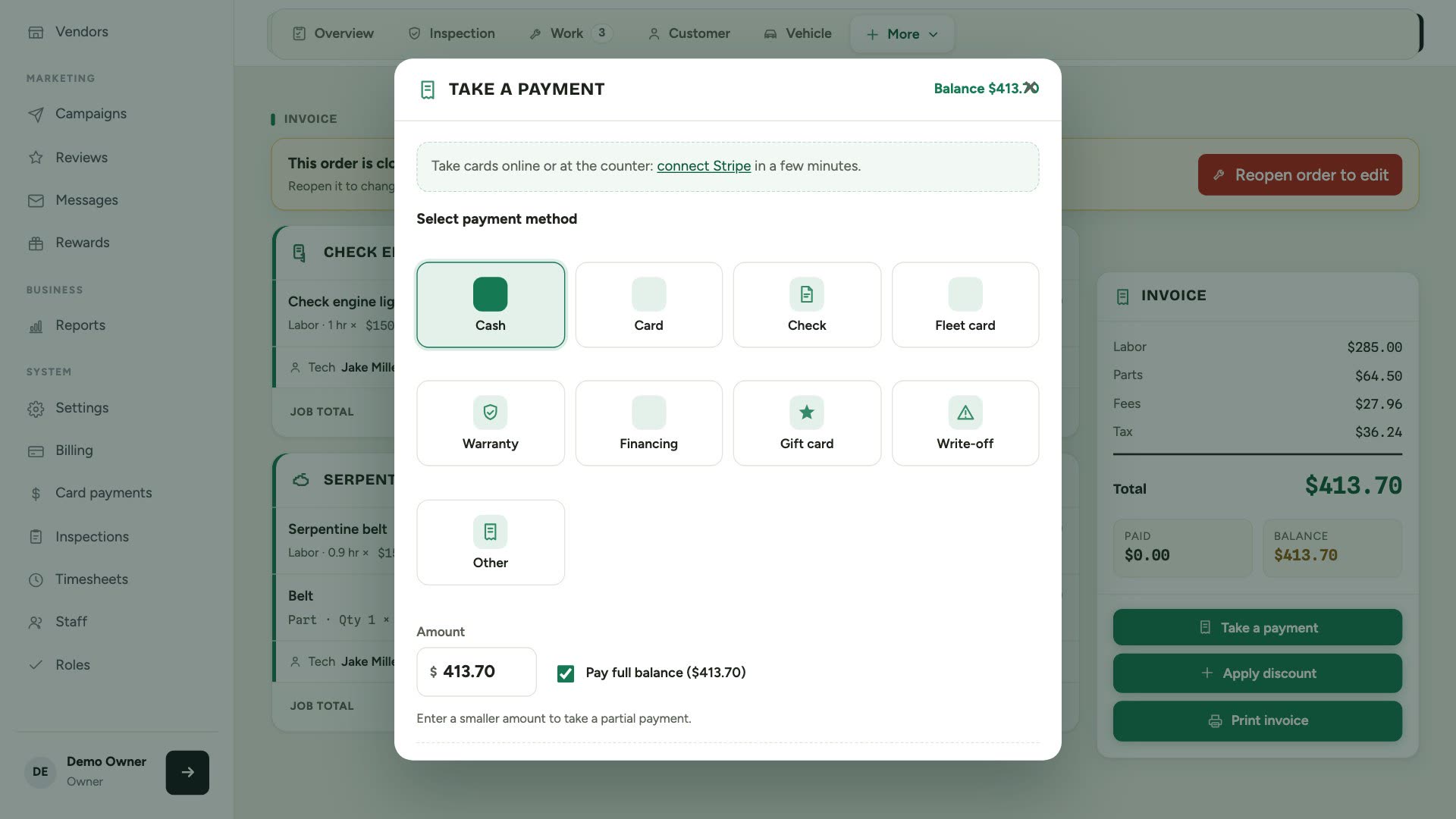
When the work is done, take card, cash or check at the counter, or text the customer a secure card link so they pay from their phone before pickup. Card payments, Apple Pay and Google Pay are powered by Stripe at Stripe's standard rates, and Gearboxly adds no extra fee.
What it does
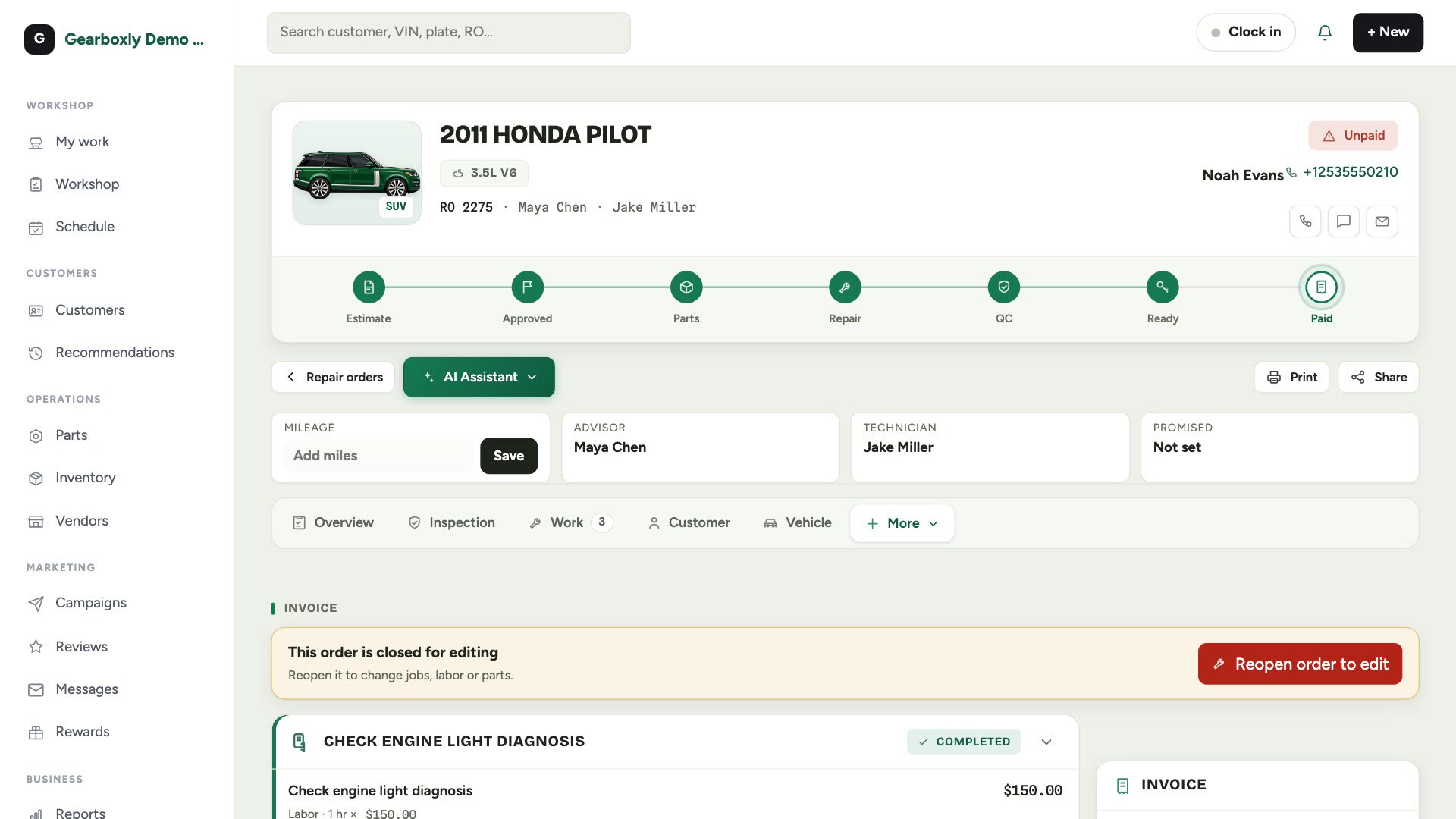
- Unpaid repair orders flagged, with the invoice total on the right
- Take card, cash or check and record the amount
- Text a secure card link: the customer pays on their phone and it records itself
- Card, Apple Pay and Google Pay, powered by Stripe; money goes to your bank
- Print the invoice or share it by text or email
- Every invoice stays on the customer's profile
How it works
- 1
Open the RO
Unpaid orders are flagged at the top, and the invoice total is on the right.
- 2
Take the payment
Choose card, cash or check and enter the amount.
- 3
Or text a pay link
Send a secure card link. The customer pays from their phone and the payment records itself.
- 4
Share the invoice
Print it, or share it by text or email.
Questions shops ask
Are there fees on card payments?
Card payments are processed by Stripe at Stripe's standard rates. Gearboxly adds no extra fee.
Does Gearboxly see card numbers?
No. Payments are handled by Stripe; card numbers never touch Gearboxly.
What do I need to take card links?
Connect Stripe under Card payments in Settings.
More features
Try it on your own repair orders
14-day free trial of the AI plan. No credit card. No contract, cancel anytime.
Start free