Payments
Text-to-pay for auto repair: faster pickups, fewer card readers
Sending the invoice by text with a pay link lets customers pay before they arrive. Here's how it works and how to roll it out.
By Gurjivan Singh, owner of Auto Star Garage and builder of Gearboxly
· 4 min read
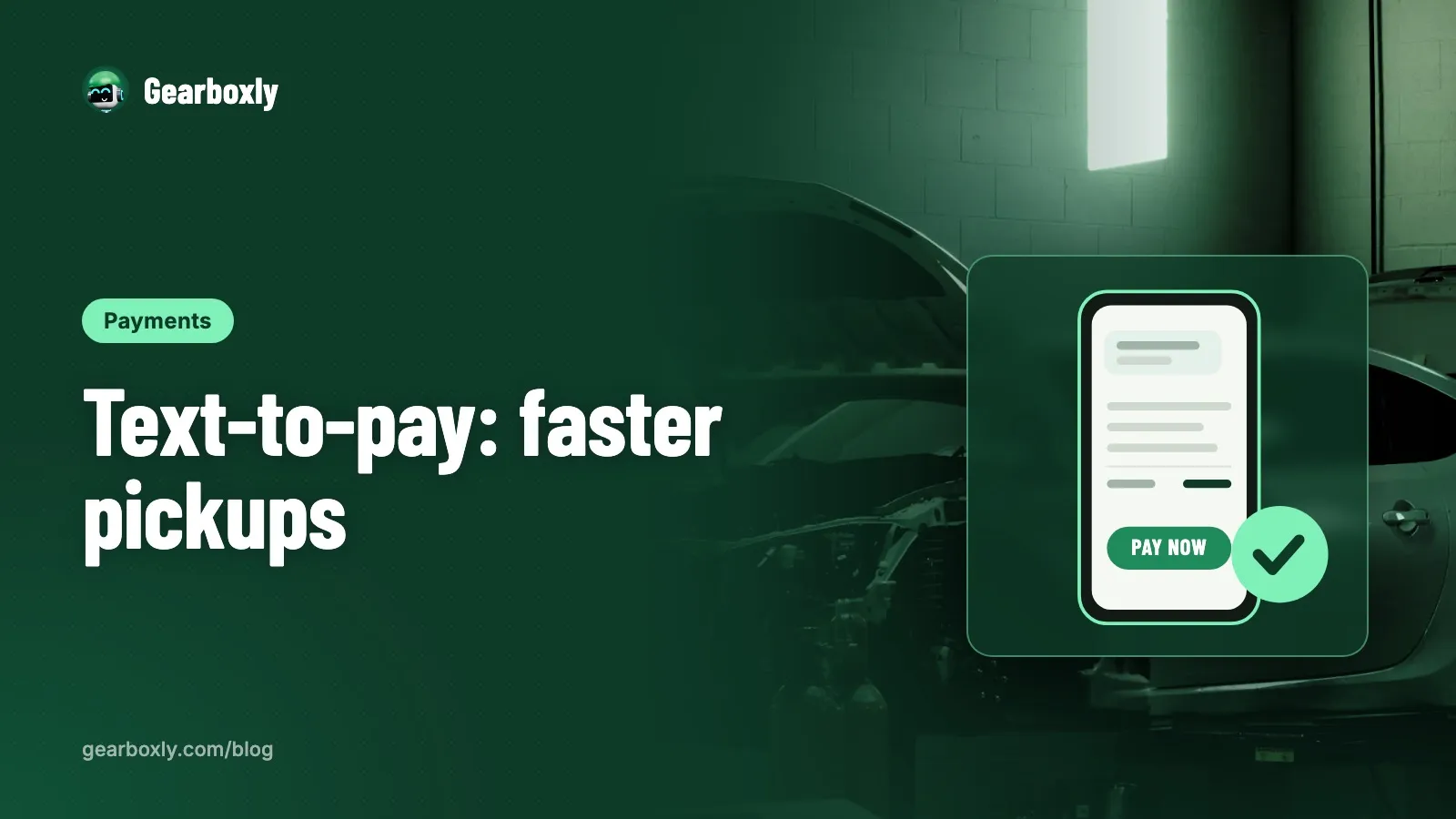
Text-to-pay means you send the customer their invoice by text, with a link they tap to pay by card, Apple Pay or Google Pay. They pay from wherever they are, and when they come in, the keys are ready. No line at the counter, no reading card numbers over the phone.
It's one of the simplest changes a shop can make, and it helps with two problems at once: the pickup rush at the end of the day and the cars that sit on the lot because the customer hasn't come in to pay.
How text-to-pay works
- The job is finished and the invoice is ready
- The shop sends the invoice by text with a pay link
- The customer opens the link, reviews the invoice and pays on their phone
- The payment shows up on the invoice in the shop software
- The customer picks up the car, already paid
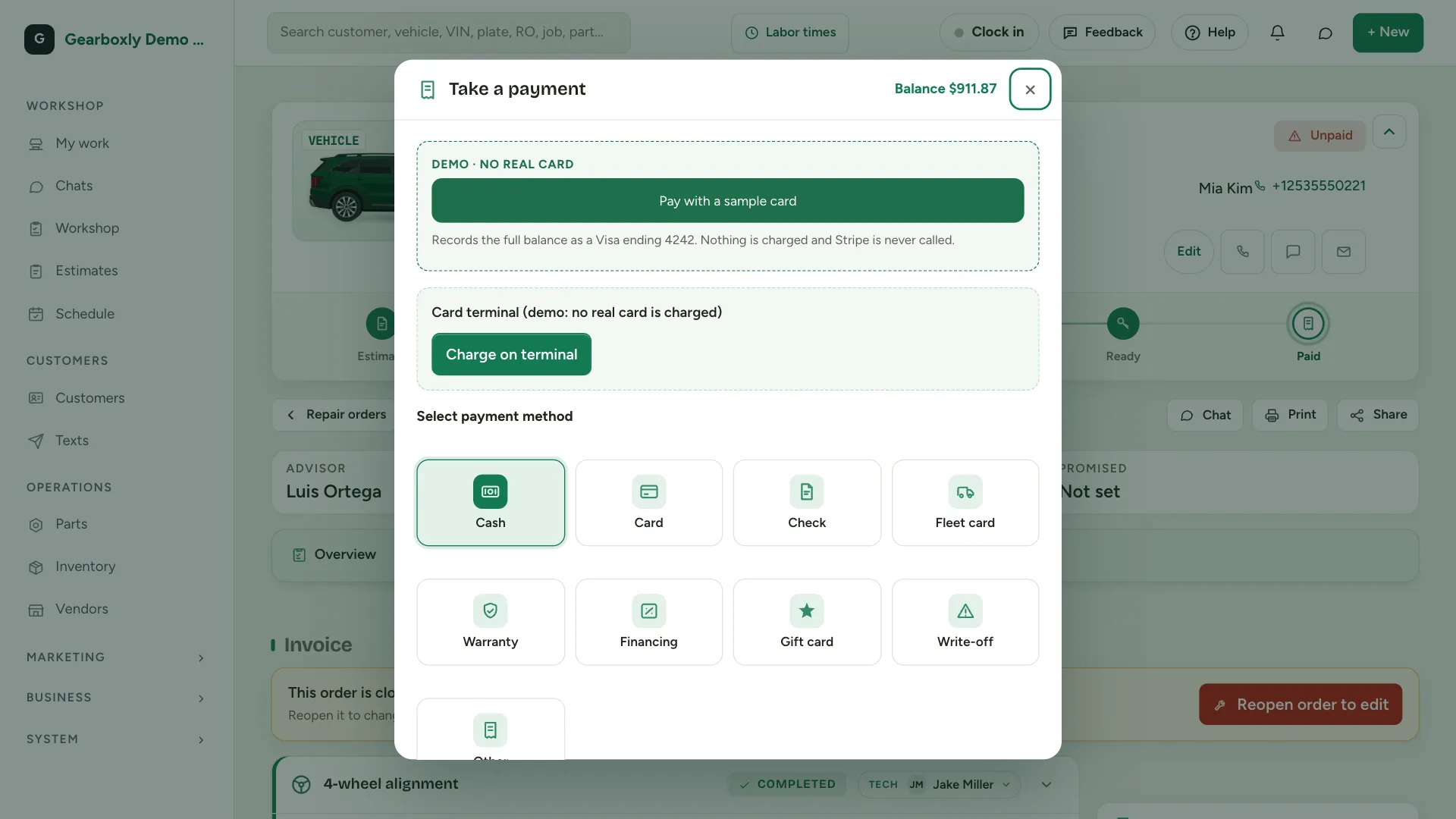
In Gearboxly, you send customers a pay link with the invoice. They pay by card, Apple Pay or Google Pay, and the money goes straight to your bank. Payments are processed by Stripe at Stripe's standard rates, and Gearboxly adds no extra fee. Card numbers never touch Gearboxly.

Why it helps
The end of the day is when everyone wants their car at once. If half of them have already paid, pickup is a handshake and a key. Your service writer spends less time at the register and more time on the next day's work.
It also helps with customers who can't easily get to the shop during business hours. A spouse can pay from work while the other one picks up. A fleet manager can pay from the office. And because the customer sees an itemized invoice before they pay, there are fewer surprises at the counter.
Card fees: be clear about them
Every card payment has a processing fee, whether it's taken in person or by link. Know what yours is, build it into your pricing and decide your policy before you start, not when a customer asks. Some states have rules about surcharging card payments, so check what applies in yours before adding a fee to the customer's total.
Tip: Write your payment policy down in one sentence and put it on the invoice and on your website. A clear, posted policy avoids most arguments.
What to say in the text
Keep it short and friendly. Something like: “Hi Sam, your Civic is ready. Here's your invoice, and you can pay from this link before you come in. We're open until 6.” That's enough. The link does the rest.
If the customer replies with a question, it should go to the shop's shared inbox, not someone's personal phone. In Gearboxly, replies land in the two-way texting inbox, so whoever is at the counter can answer.
Related: Help: invoices and payments
Rolling it out
Start by sending a pay link with every invoice for a week, and let customers choose whether to use it or pay in person. Don't force it. Most customers will pay by link once they see how easy it is. Watch how many invoices are paid before pickup and how quickly.
- Turn on online card payments in your shop software
- Send the invoice and pay link as soon as the job is finished, not at closing
- Put a note on the estimate that customers can pay by text when the car is ready
- Check your unpaid invoices every morning and follow up on anything older than a day
Texting rules apply
In the US, businesses that text customers from a regular local number have to register with the carriers first. This is called A2P 10DLC, and it applies to invoices and pay links too. Gearboxly collects your business details and submits the registration for you; carrier approval can take a few days to a few weeks, so start early.
The short version
Text the invoice with a pay link as soon as the job is done. Customers pay from their phone, pickup is faster and the counter is calmer. Be clear about card fees, keep the message short and make sure replies land in a shared inbox.
Try it on your own repair orders
14-day free trial. No credit card. No contract, cancel anytime.
Start free trial