
Auto repair shop reports and KPIs
Updated
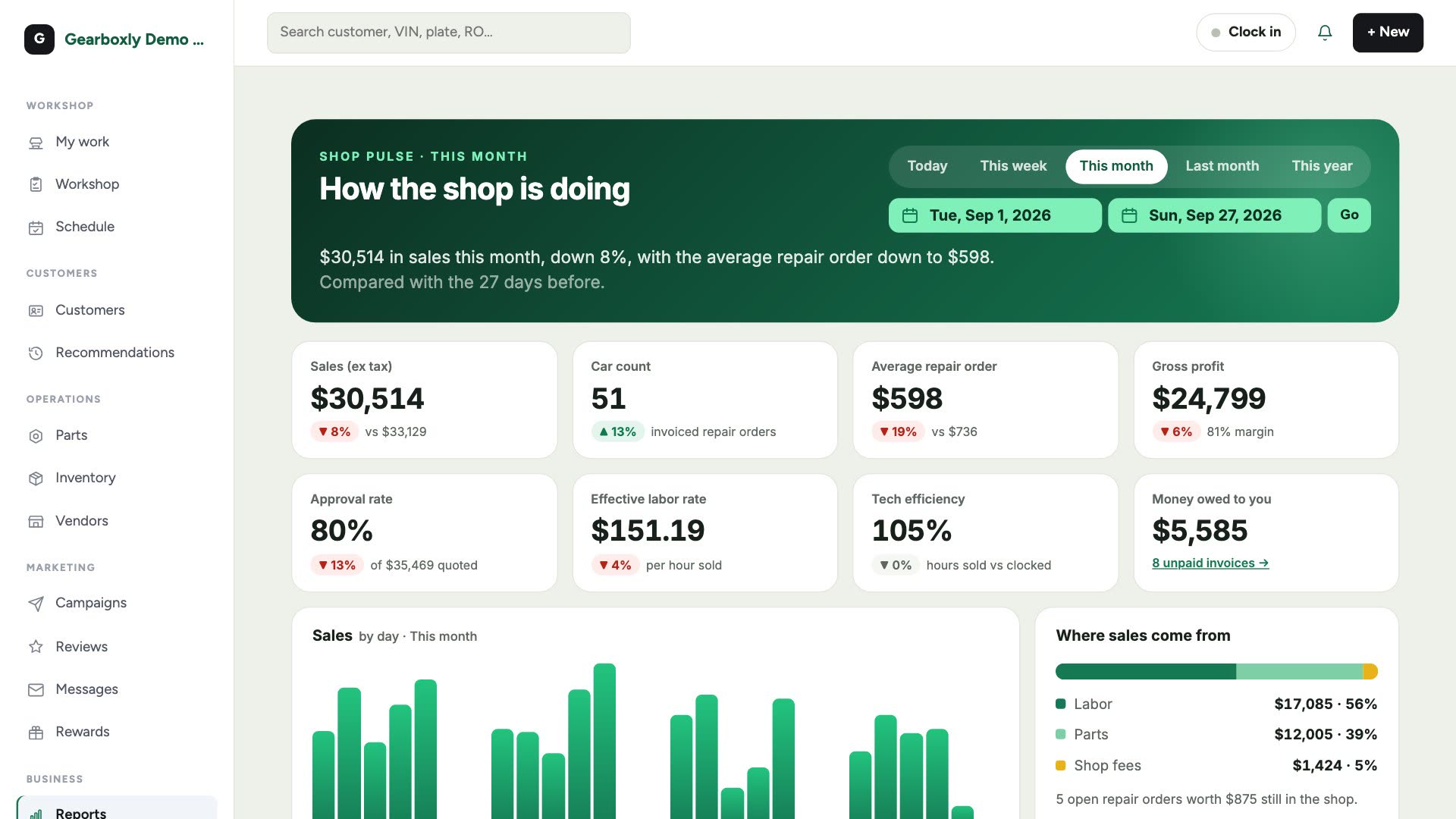
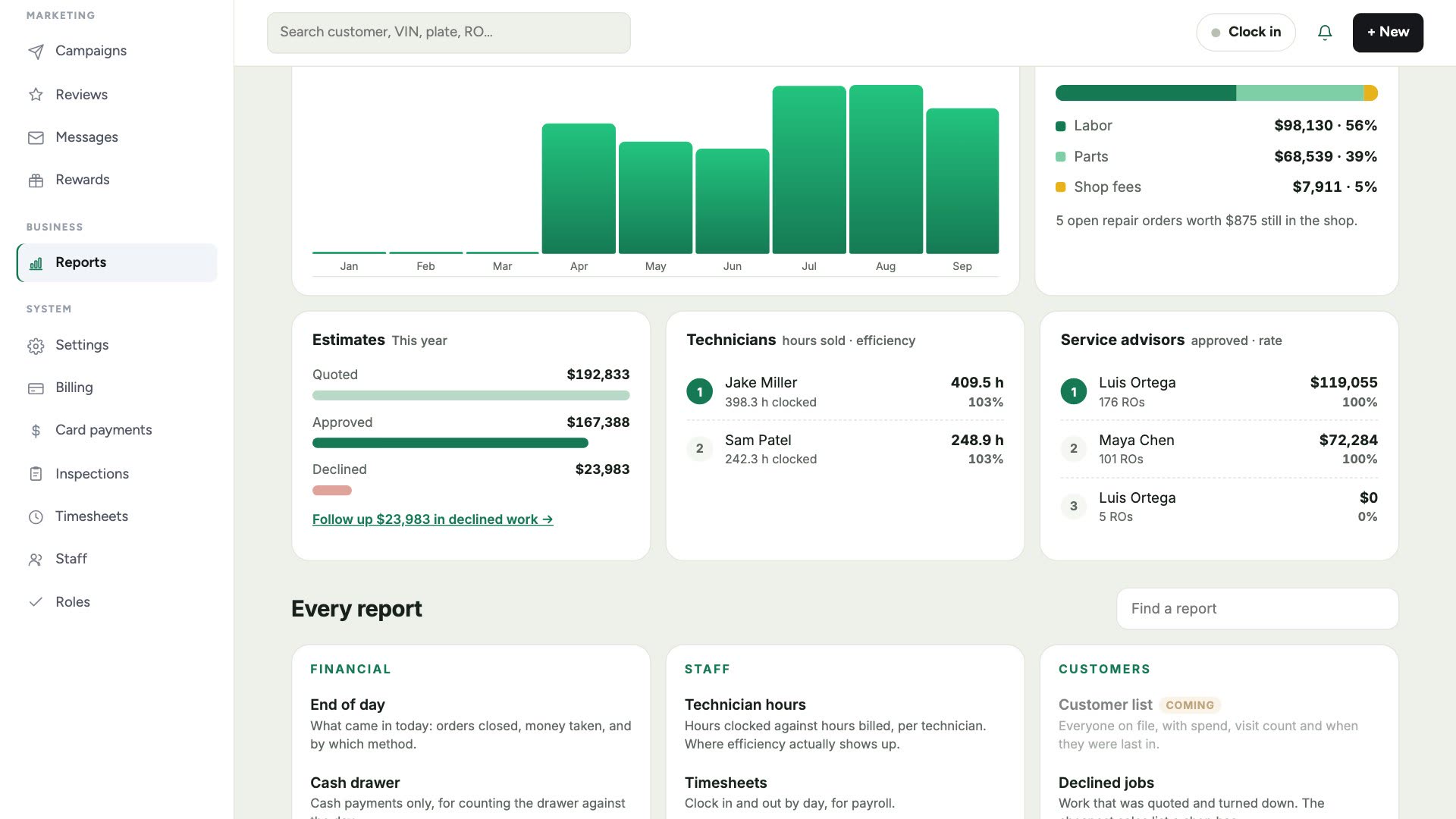
Reports open on Shop Pulse: one sentence on how the period is going, then the numbers that matter, each compared with the same number of days before. Detailed reports cover monthly sales, sales tax, profit, payments and technician hours.
What it does
- Sales, car count and average repair order
- Gross profit and margin (owners only)
- Approval rate: how much of what you quoted got a yes
- Effective labor rate and tech efficiency
- Money still owed on unpaid invoices
- Today, this week, this month, last month, this year, or any dates
How it works
- 1
Open Reports
Shop Pulse sums up the period and shows the key numbers.
- 2
Pick the dates
Use Today, This week, This month, Last month or This year, or pick From and To.
- 3
Open a detailed report
Monthly sales, sales tax, profit, payments and technician hours open on the same dates.
Questions shops ask
What is effective labor rate?
Labor sold divided by the hours sold. Discounts and comebacks pull it below your posted rate.
What is tech efficiency?
Hours sold compared with hours clocked on jobs.
Who can see profit?
Gross profit and margin are shown to owners only.
More features
Try it on your own repair orders
14-day free trial of the AI plan. No credit card. No contract, cancel anytime.
Start free