Running the shop
Auto repair shop KPIs: the 6 numbers worth checking every month
Car count, average repair order, approval rate, effective labor rate, tech efficiency and gross profit. What each one means and what to do when it moves.
By Gurjivan Singh, owner of Auto Star Garage and builder of Gearboxly
· 4 min read
Most shop owners know their sales number. Fewer know why it went up or down. Sales is the result; a handful of other numbers explain it. If you check six of them once a month, you'll know where to look when something changes.
1. Car count
Car count is how many repair orders were invoiced in the period. It's the simplest measure of how busy you are. If sales dropped and car count dropped with it, the problem is getting cars in the door: marketing, reviews, booking, follow-ups. If car count held steady and sales fell, look at the next number.

2. Average repair order (ARO)
Average repair order is sales divided by car count. It tells you how much each visit is worth. A falling ARO with a steady car count usually means less work is being found, quoted or approved. It can also mean your mix shifted toward quick services, which isn't always bad.
Here's a simple example. A shop with $60,000 in monthly sales and 150 cars has an ARO of $400. If the same shop raises ARO to $440 with the same car count, that's $6,000 more a month without a single extra car. Example numbers only, but the math is why ARO gets so much attention.
Tip: Don't chase ARO by pushing work customers don't need. Raise it by inspecting every car properly and following up on declined work. That's ARO you can defend.
3. Approval rate
Approval rate is how much of what you quoted customers said yes to. It's where inspections, photos and communication show up in the numbers. A low approval rate usually means customers don't understand or trust what they're being shown. Clear photos, plain-English notes and sending the estimate by text tend to move it.
4. Effective labor rate
Effective labor rate is labor sold divided by the labor hours sold. Discounts, free diagnostic time and comebacks pull it below your posted rate. If your posted rate is $150 and your effective rate is $118, there are hours leaking somewhere.
Related: How to set your shop's labor rate
5. Tech efficiency
Tech efficiency compares hours sold with hours clocked on jobs. If a tech clocks eight hours on jobs and sells ten, they're beating book time. If they clock eight and sell five, something is slowing them down: waiting on parts, waiting on approvals, unclear notes or jobs quoted too low. Treat it as a question to ask, not a score to punish with.
6. Gross profit on parts and labor
Sales can grow while profit shrinks, usually because parts are priced inconsistently or labor is discounted. Check gross profit on parts and labor separately. If parts margin is sliding, look at your parts matrix and whether writers are overriding it.
Where to find these numbers
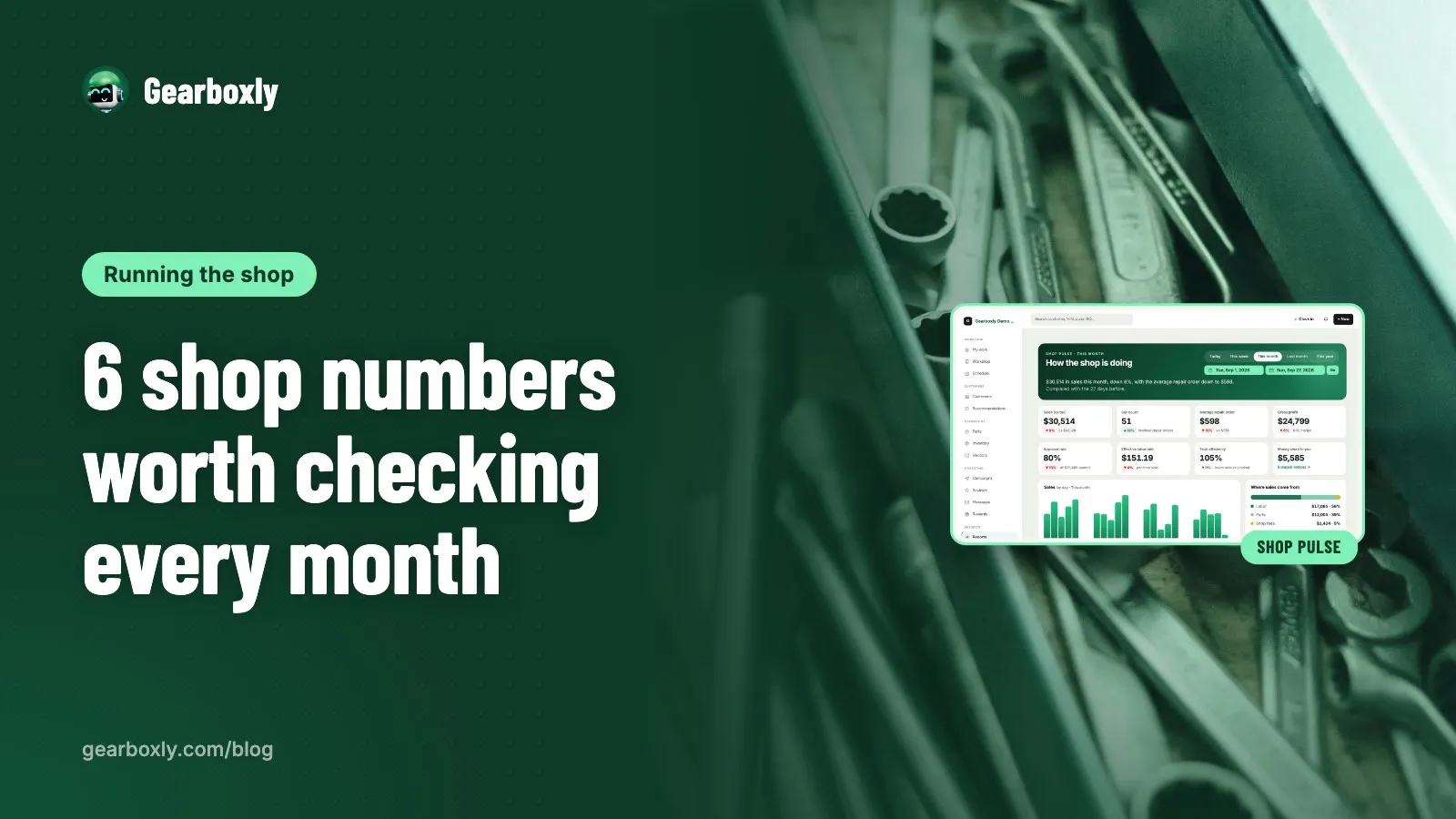
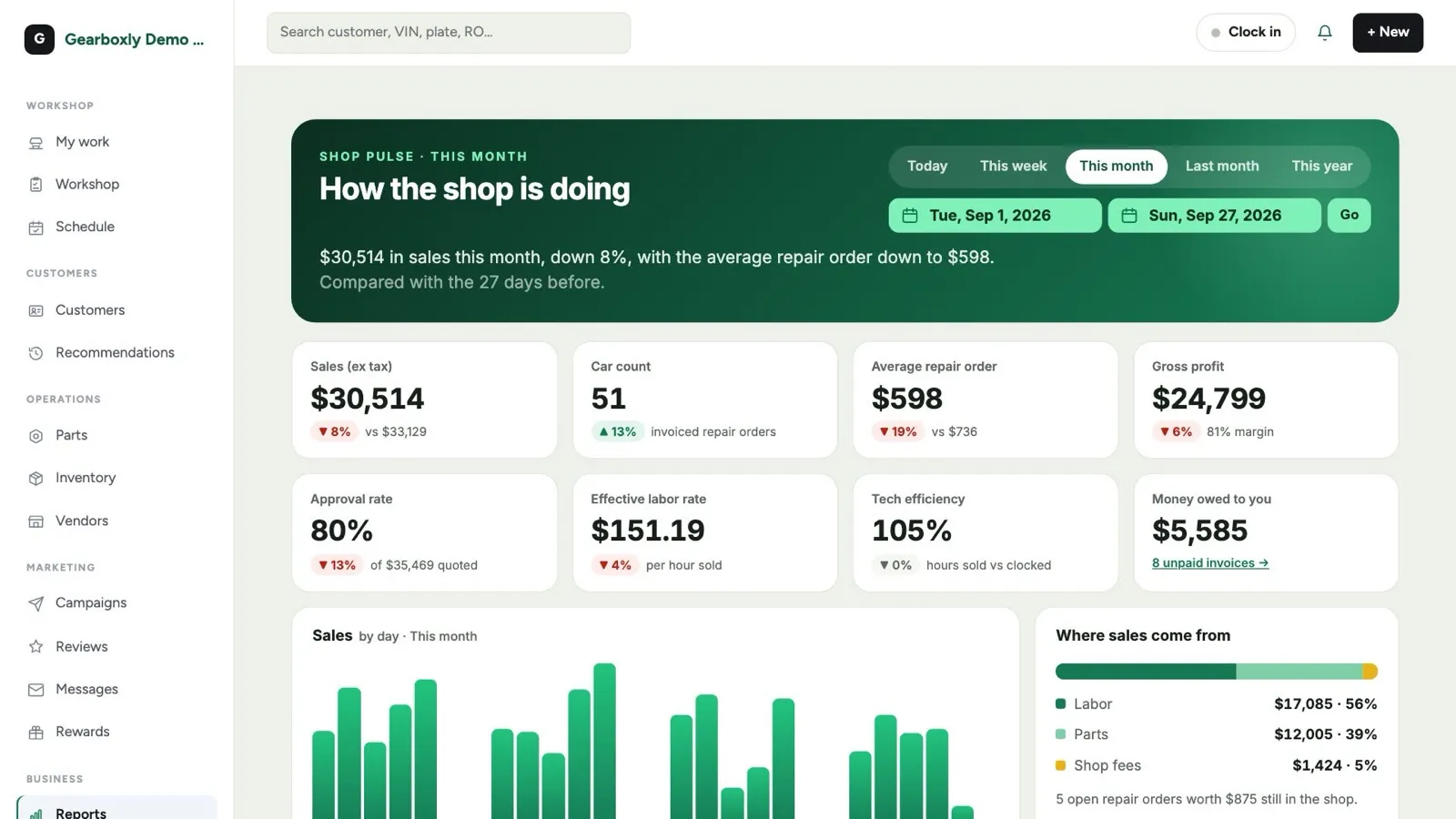
Gearboxly's Shop Pulse report shows the month at a glance: sales, car count, average repair order, approval rate, effective labor rate and tech performance. Each number has a short explanation, so you don't have to remember the formulas.
A monthly 30-minute review
- Compare this month with last month and the same month last year
- Pick the one number that moved the most and ask why
- Look at the repair orders behind it, not just the total
- Choose one thing to change next month, and only one
- Write it down so you can check whether it worked
The short version
Sales is the result. Car count, ARO, approval rate, effective labor rate, tech efficiency and gross profit explain it. Look at them once a month, pick the one that moved and fix one thing at a time.
Try it on your own repair orders
14-day free trial. No credit card. No contract, cancel anytime.
Start free trial