AI finding writer
Quick notes become clear findings with one tap.
AI finding writer turns a technician's quick note on one inspection point into a clear written finding a customer can read, which the technician reviews and saves.
How it works
- 1
Write it up
On any inspection point, type a quick note and tap AI write-up. It becomes a clear finding the customer understands.
What it does, step by step
- On any inspection point, type a quick note, like fr pads 3mm rotors grooved.
- Tap AI write-up.
- Gearboxly AI writes it out as a clear sentence: front brake pads measure about 3mm, front rotors show visible grooving.
- Read it, edit it if anything is wrong, and save it. Only your save puts it on the inspection.
- Do the same on the next point. Each write-up is a separate draft for that one point, so one wrong note doesn't change the others.
What it doesn't do
- It writes down what you told it, properly. It doesn't diagnose, doesn't set the severity and doesn't recommend anything you didn't say.
- It won't add a plausible-sounding extra, like a caliper replacement, unless you mentioned the caliper.
- Nothing it returns is saved on its own. The finding is the technician's, and only the technician's save writes it.
- It works only from the note on that point. It doesn't read the rest of the inspection or the customer's history, so it can't pull in something you didn't write there.
Where the data comes from
The note on that inspection point and Gearboxly AI. Nothing else is added.
Your note is passed to the AI as text to write up, never as instructions. Gearboxly keeps a record that a write-up was asked for, not the note and the answer themselves.
Who it helps
- Technicians
- Notes in their own shorthand become findings the customer understands.
- Service writers
- Findings that explain themselves, so fewer calls asking what a note means.
- Customers
- A finding they can read without knowing shop shorthand, written from what the technician actually saw.
Read more
Questions shops ask
Does it change what I found?
No. It writes down what you said, in plain words. It doesn't add causes or repairs you didn't mention.
Does it set the severity?
No. The technician sets the severity on the inspection point.
Is the write-up saved automatically?
No. You read it, edit it if needed, and save it yourself.
How is this different from inspection shorthand?
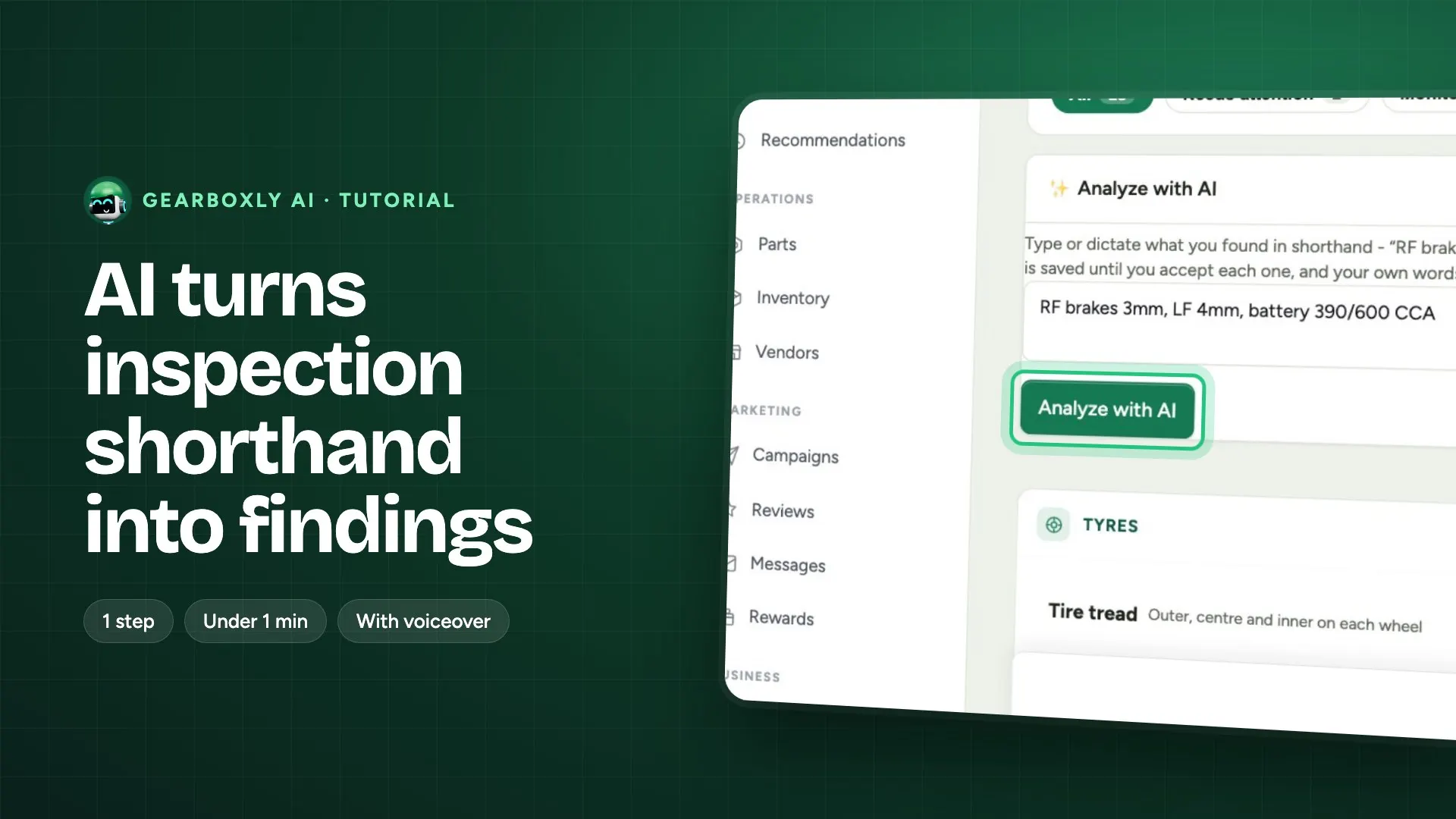
The finding writer works on one inspection point at a time and writes up that note. Inspection shorthand takes a line of mixed notes and splits it into several findings with a proposed severity.
Will the customer see my original note?
The customer sees the finding you saved. If you keep the AI write-up, that's what they read; if you edit it, they read your edit.