AI turns inspection shorthand into findings
Type shorthand once. Get clean findings on the checklist.
AI inspection shorthand is a Gearboxly feature that splits a technician's shorthand notes into separate inspection findings, each with a customer-readable explanation and a proposed severity to review.
How it works
- 1
Shorthand in
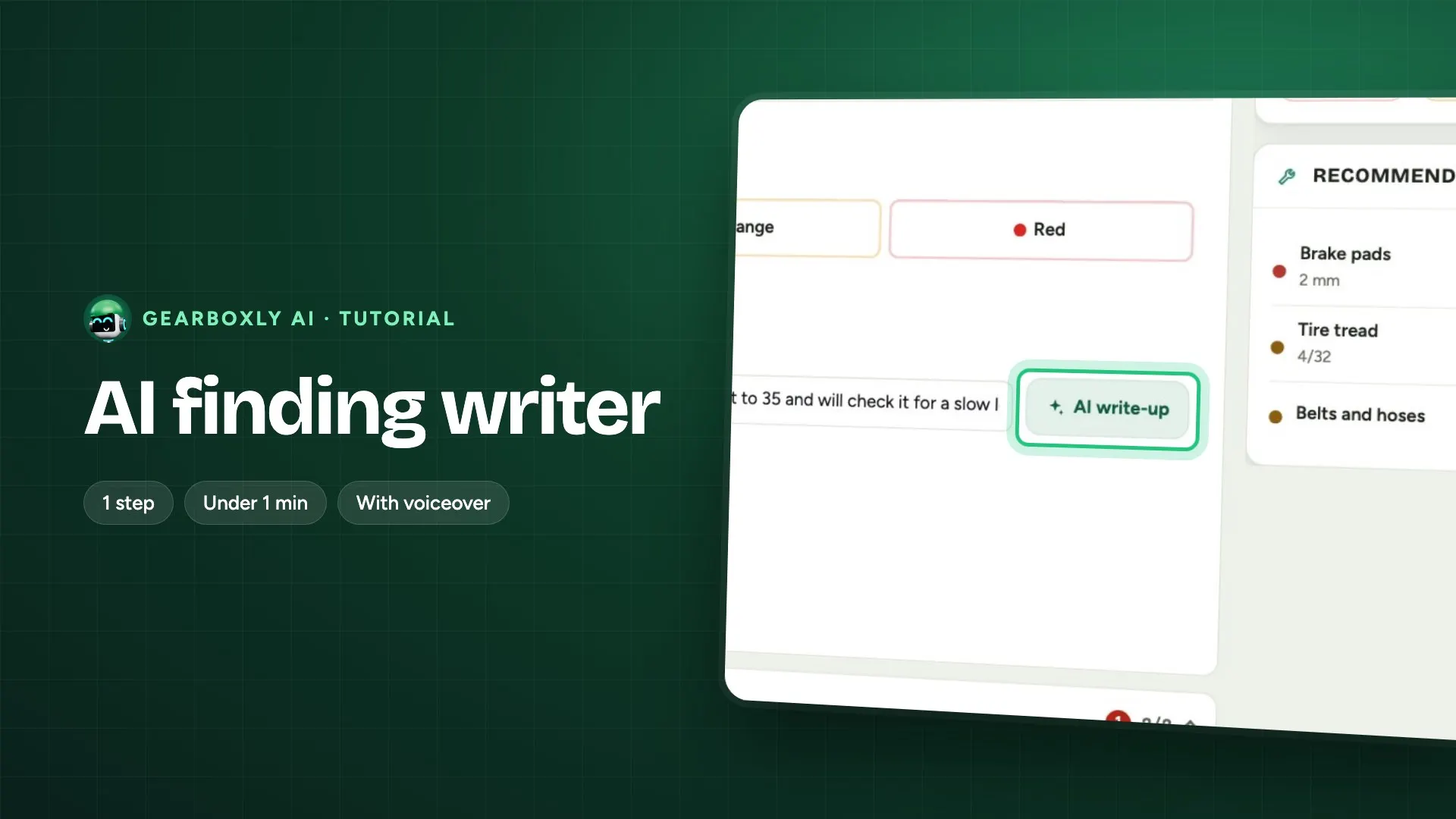
In the inspection, type what you saw in shorthand, all at once. Then tap Analyze with AI.
What it does, step by step
- In the inspection, type or dictate what you found in one line, like RF brakes 3mm, battery 390/600 CCA, RF wheel bearing noisy with play.
- Tap Analyze with AI.
- Gearboxly AI separates it into individual findings, each with a plain explanation and a proposed severity: red, yellow or green.
- Accept the findings you agree with, one at a time. Your own words are kept.
What it doesn't do
- It proposes and never writes. Nothing is saved to the inspection until you accept it.
- It doesn't invent a measurement. A number only appears if the technician typed it.
- It doesn't turn silence into a pass. Anything you didn't mention isn't reported as good.
- A symptom isn't turned into a failure. When a finding reads into what you said, it's marked as an interpretation to confirm, not a diagnosis.
- No labor hours and no prices. If the notes are too thin, it says so instead of guessing. A green finding is recorded as a passed item, never a repair.
- The same shorthand on the same vehicle returns the same findings, so a repeat analysis doesn't reshuffle what you already reviewed.
Where the data comes from
The shorthand the technician typed, the vehicle and Gearboxly AI. Technician text is passed to the AI as information to work from, not instructions.
Who it helps
- Technicians
- Type it once, in their own shorthand, without filling in each point by hand.
- Service writers
- Clean findings the customer can read, ready for the estimate.
- Owners
- Inspections that only say what the technician actually found and measured, which is what a customer is being asked to trust.
Read more
Questions shops ask
Does it save findings on its own?
No. It proposes findings and you accept each one. Nothing is saved until you do.
Will it add measurements I didn't take?
No. A number only appears in a finding if the technician typed it.
What about items I didn't mention?
They aren't reported as good. Only what you typed becomes a finding.
Can I dictate instead of typing?
Yes. Type or dictate the shorthand into the Analyze with AI box, then tap Analyze with AI.
What happens if my notes are too short?
It tells you there isn't enough information and what to add, instead of guessing findings.