
Buying guide
What to look for in shop management software in 2026
A plain checklist for choosing shop software, written by people who run a repair shop.
September 28, 2026 · 6 min read
Most shop software does the basics: repair orders, estimates, invoices, a customer list. If that's all you compare, every option looks the same and you end up choosing on price or on whichever sales rep called last. The real differences show up in how much work it takes to get through a normal day.
Here's what we'd check before signing up for anything, based on running a shop ourselves. Use it as a checklist when you sit through demos, and more importantly, when you run a trial on your own work.
Does it save time, or just store things?
Software that only records what happened makes you do the work twice: once in the bay, once at the keyboard. The question to ask is how much of the job the software does for you.
- Do labor times show up as you type the job, for the vehicle on the repair order?
- Are parts priced automatically by your own matrix?
- Can an inspection turn into estimate jobs without retyping?
- Can it draft an estimate from the customer's concern for the writer to review?
- Does it rewrite tech shorthand into something a customer can read?
Watch the demo closely here. Ask the rep to build a real three-job estimate in front of you, start to finish, on a vehicle you pick. Count the clicks and the screens. That tells you more than a feature list.
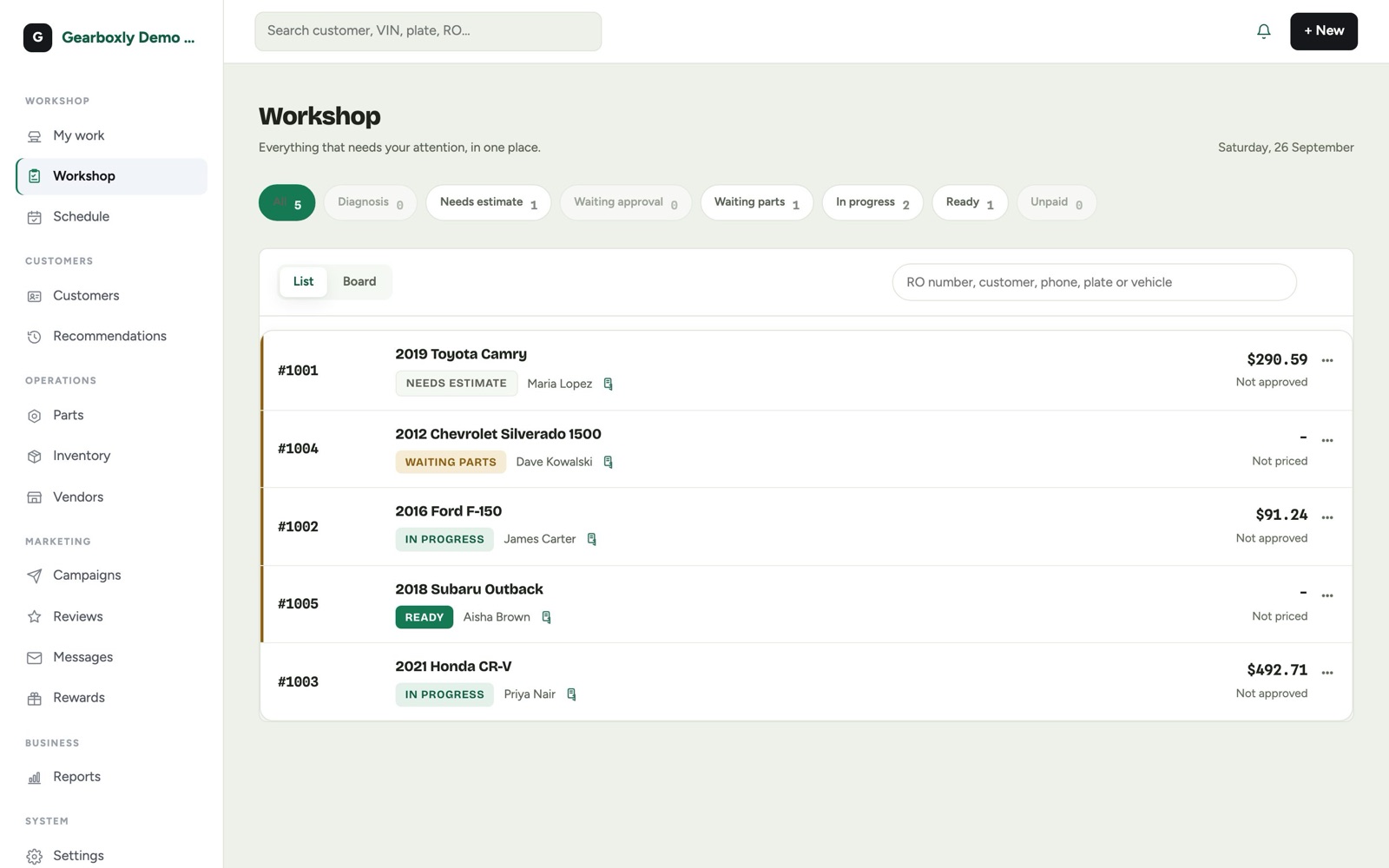

Can customers approve from their phone?
Sending estimates by text with photos and a signature is now normal, and customers expect it. But the details matter. Check that customers can approve some jobs and decline others on the same estimate, not just accept or reject the whole thing. Check that the signature is captured and saved on the repair order. And check that anything declined is saved for later follow-up, not simply deleted.
Is texting really two-way?
Customers reply to texts. If replies go to a number nobody watches, or to someone's personal phone, you lose them. Make sure replies land in one shared inbox that anyone at the counter can answer, tied to the customer and their vehicle so you can see the history.
What happens to declined work?
This is where a lot of money quietly leaks out of shops. Ask how the software tracks declined and deferred work, whether you can see the total, and how it helps you follow up. Good software keeps the job, the price and the photos, and makes it easy to send a reminder or bring the job back onto a new repair order.
Every person in the shop
Service writers, technicians and owners need different things. A tech needs their jobs, the inspection and a way to ask for parts. A writer needs estimates, approvals and ordering. An owner needs the numbers.
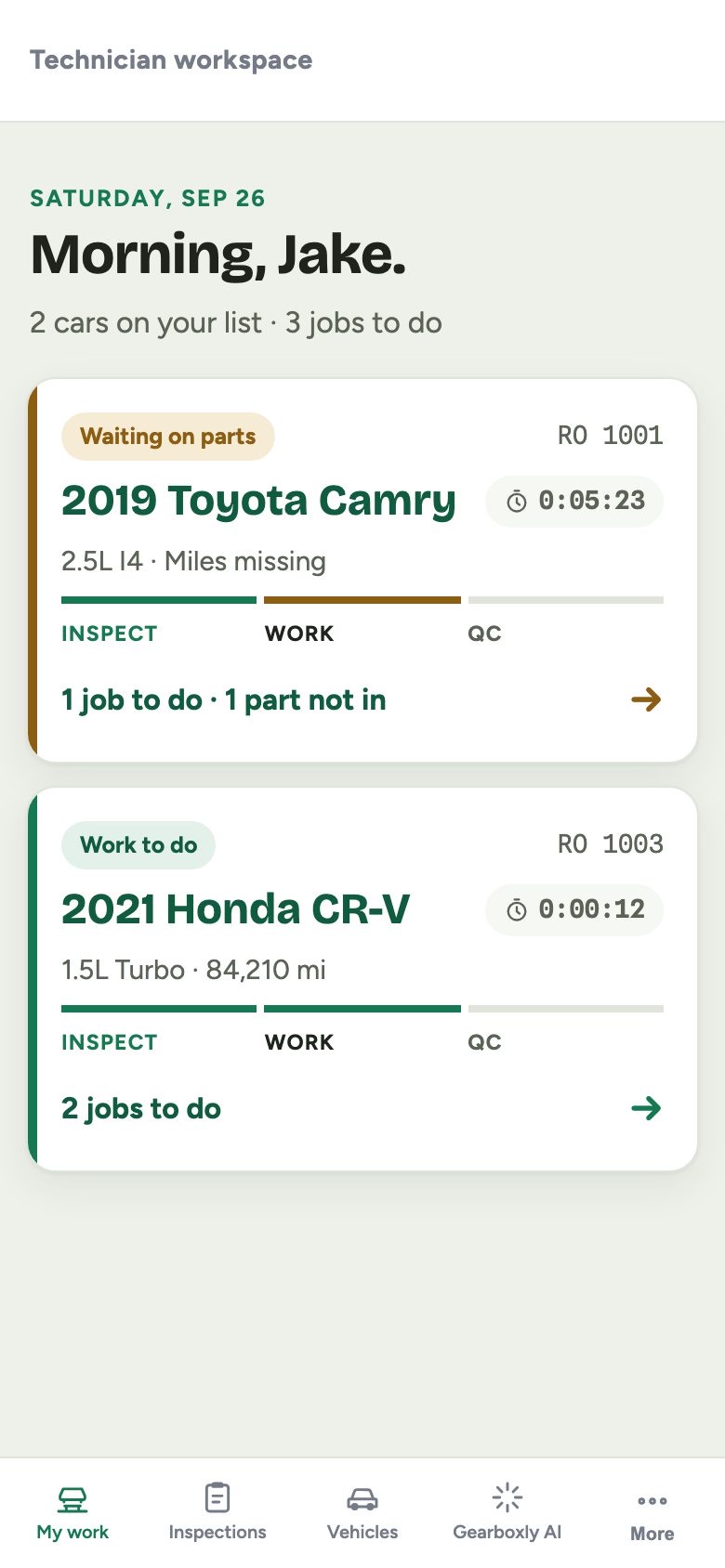
Check that roles and permissions are built in. For example, in Gearboxly technicians can request parts but writers place the order, so parts spending stays with the people responsible for it. Also check how pricing handles users. If every tech you add costs extra, you'll end up sharing logins, which ruins your records. Gearboxly includes unlimited users for that reason.
Reports you'll actually open
Most systems have dozens of reports. Most owners look at three. Ask to see the ones that answer everyday questions: how much did we sell this week, what's our average repair order, how much declined work is open, which estimates are waiting on approval. Gearboxly puts these in Shop Pulse so you're not building spreadsheets on a Sunday.
Marketing without a marketing person
Independent shops rarely have someone whose job is marketing. Look for simple tools that reach your own customers: service reminders, follow-ups on declined work, a note to customers you haven't seen in a while. Gearboxly writes these campaigns with AI from your shop's data, and you review them before they go out.
Pricing you can predict
- No long contract. Month-to-month should be an option.
- Clear pricing per location, with what's included written down
- Limits on texting and AI features explained up front
- No surprise charges for adding users
- A free trial long enough to run real work through it
If a rep won't put the full price in writing before you sign, treat that as your answer.
Questions to ask on every demo
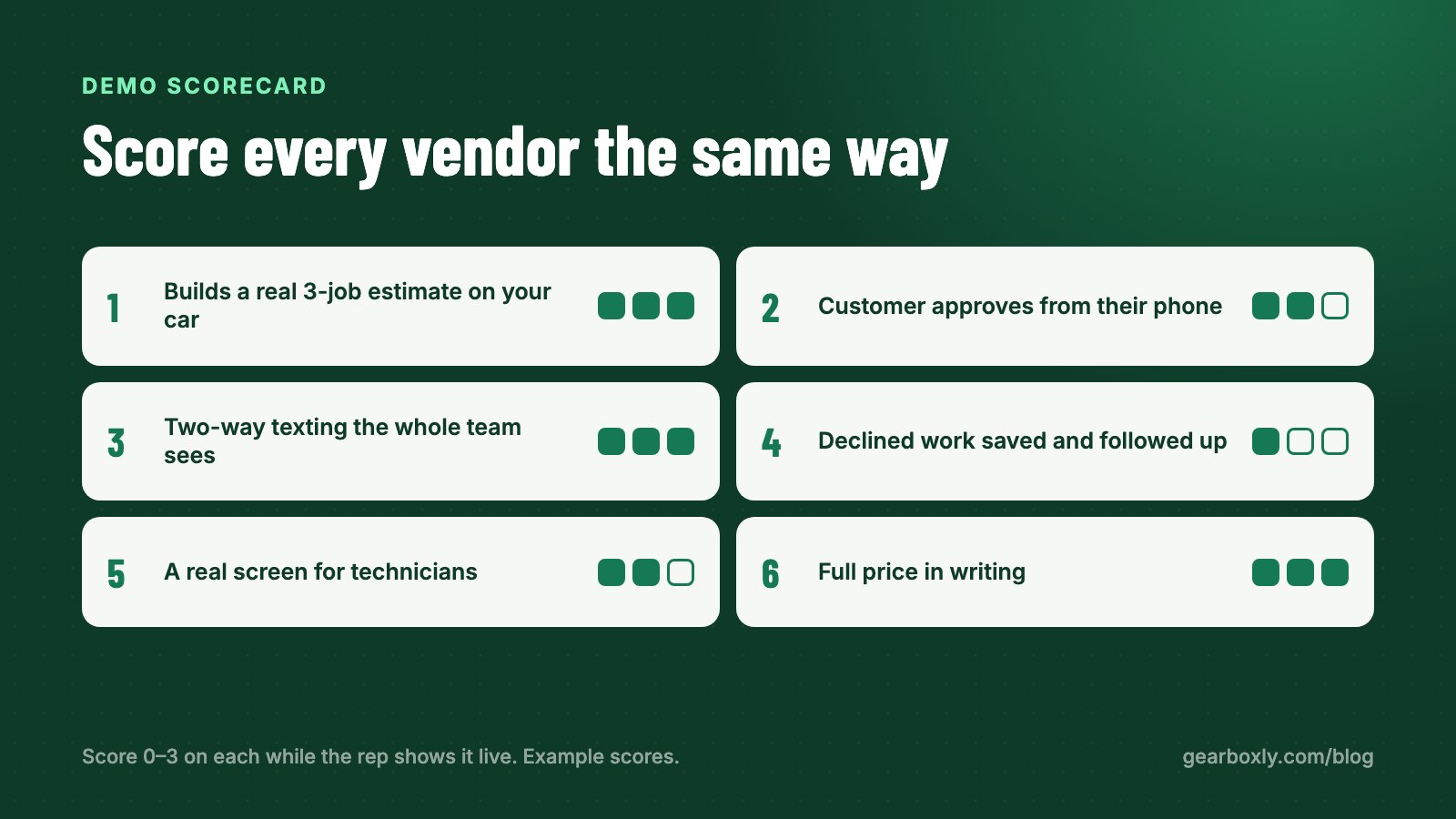
Bring the same short list to every demo so you can compare fairly. Write the answers down while you're on the call.
- Show me a three-job estimate on a vehicle I pick, start to finish.
- Show me what the customer sees on their phone when the estimate arrives.
- Where do customer text replies go, and who can answer them?
- How do I see all open declined work and follow up on it?
- What can a technician see and do, and what can't they?
- What exactly is included in the price, and what costs extra?
- How do I get my data out if I leave?
If a rep skips a question or answers with a slide instead of the product, ask again. You're about to trust this software with every car that comes through your door.
Integrations: ask what's live today
Every vendor has a roadmap. What matters is what works on the day you switch. Ask specifically which parts suppliers, payment processors and accounting tools are connected now, and which are “coming soon.” Be honest with yourself about whether you can run the shop without the ones that aren't live yet.
We'll hold ourselves to the same standard: Gearboxly's parts catalog integration with PartsTech is coming soon, not live today. Ask every vendor the same question and get a straight answer.
Getting your data in
Switching is the scariest part, and it's where a lot of shops get stuck with software they don't like. Ask exactly how your customers, vehicles and history come over. A CSV import and a real person to help is the minimum. Ask what happens to your data if you leave, too. You should be able to export it.
How to run a trial that tells you something
A demo shows you the best case. A trial shows you your case. Gearboxly has a 14-day free trial, and whatever you're evaluating, use the trial like this:
- Day 1: import a slice of your customers and vehicles
- Days 2–3: rebuild a few recent repair orders from your own shop, start to finish
- Days 4–7: have a writer send real estimates by text and track approvals
- Week 2: have a tech do inspections with photos and see how they turn into estimates
- At the end: ask your writer and a tech whether they'd want to keep it
The last step matters most. The people who use it all day will tell you quickly whether it saves them time or gets in the way.
The short version
Don't compare feature lists. Compare how long it takes to get a real estimate approved, how declined work is handled, how the team shares the work, and whether the price and contract are clear. Then prove it on your own repair orders before you commit.
Tip: Take a free trial with a real repair order from your own shop. An hour with your own work tells you more than any demo.
Try it on your own repair orders
14-day free trial. No credit card. No contract, cancel anytime.
Start free trial