
Open Add customer
- 1Go to Customers in the sidebar.
- 2Tap + Add customer next to Customer list.
Who they are
- 1Type their first and last name.
- 2Add their mobile number. Email is optional.
- 3Leave OK to text on so they get updates about their car.
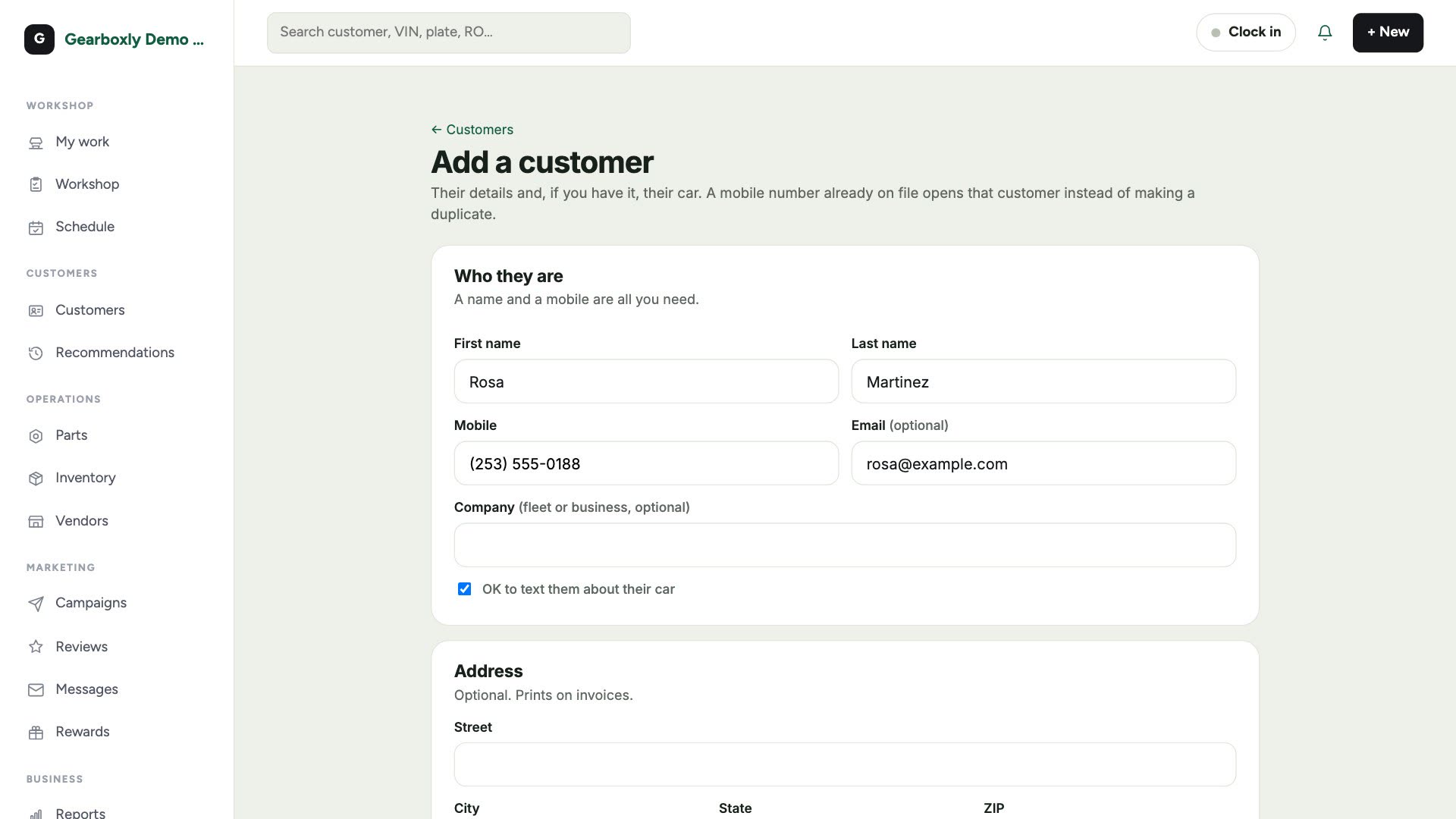
A mobile number that's already on file opens that customer instead of making a duplicate.
Their car
If you have it, add their car now: year, make, model and plate. You can add more cars later from their profile.
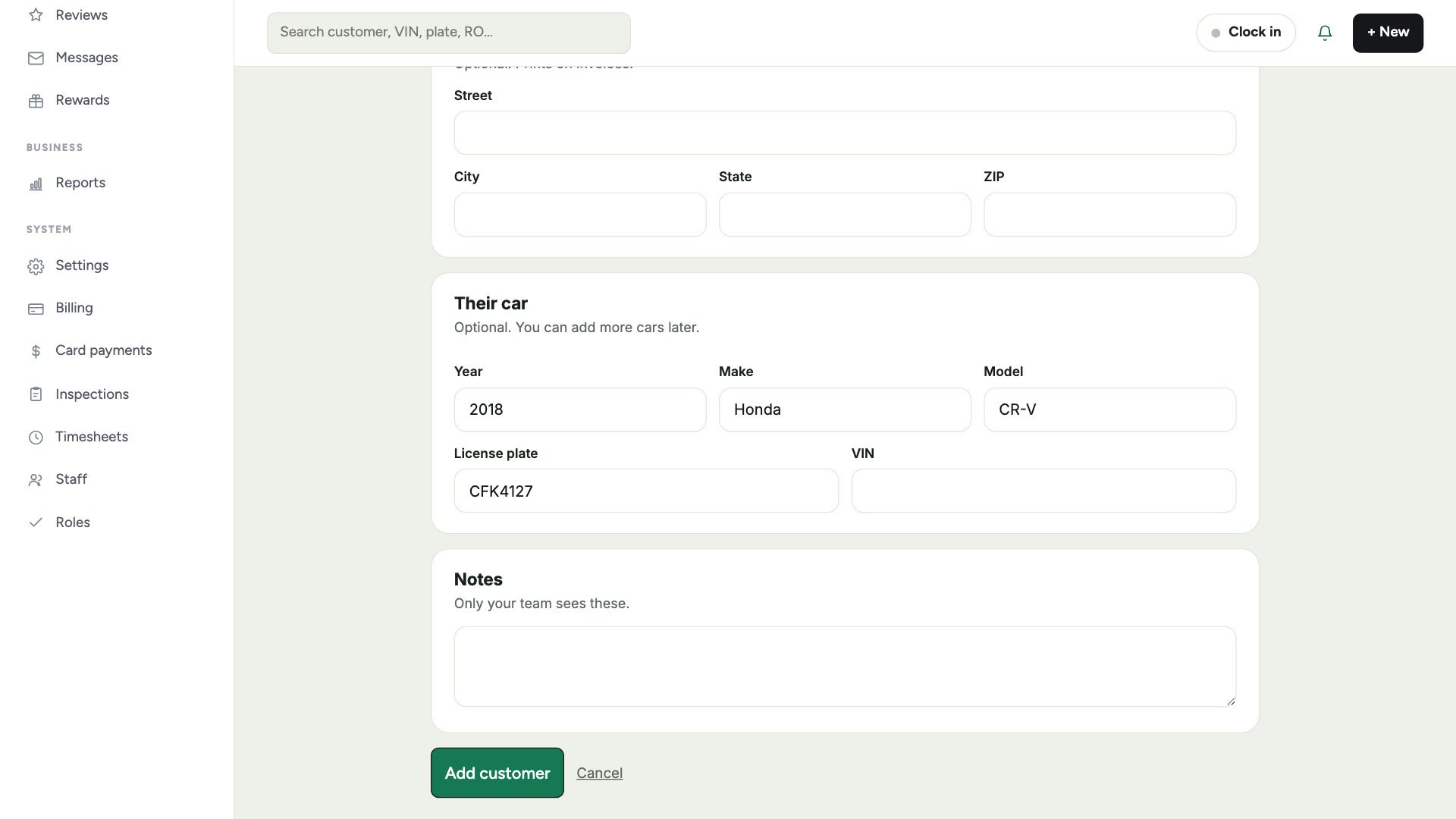
Tap Add customer. Their profile opens, ready for a repair order.
Adding someone at the counter
Checking a car in for someone new? You don't need to add them first. On a new repair order, tap New customer and fill in their name and mobile right there.