Search
- 1Go to Customers.
- 2Search by name, phone, email or car, and tap Search.
- 3Tap the customer to open their profile.
The search bar at the top of every page finds customers, plates, VINs and RO numbers too.
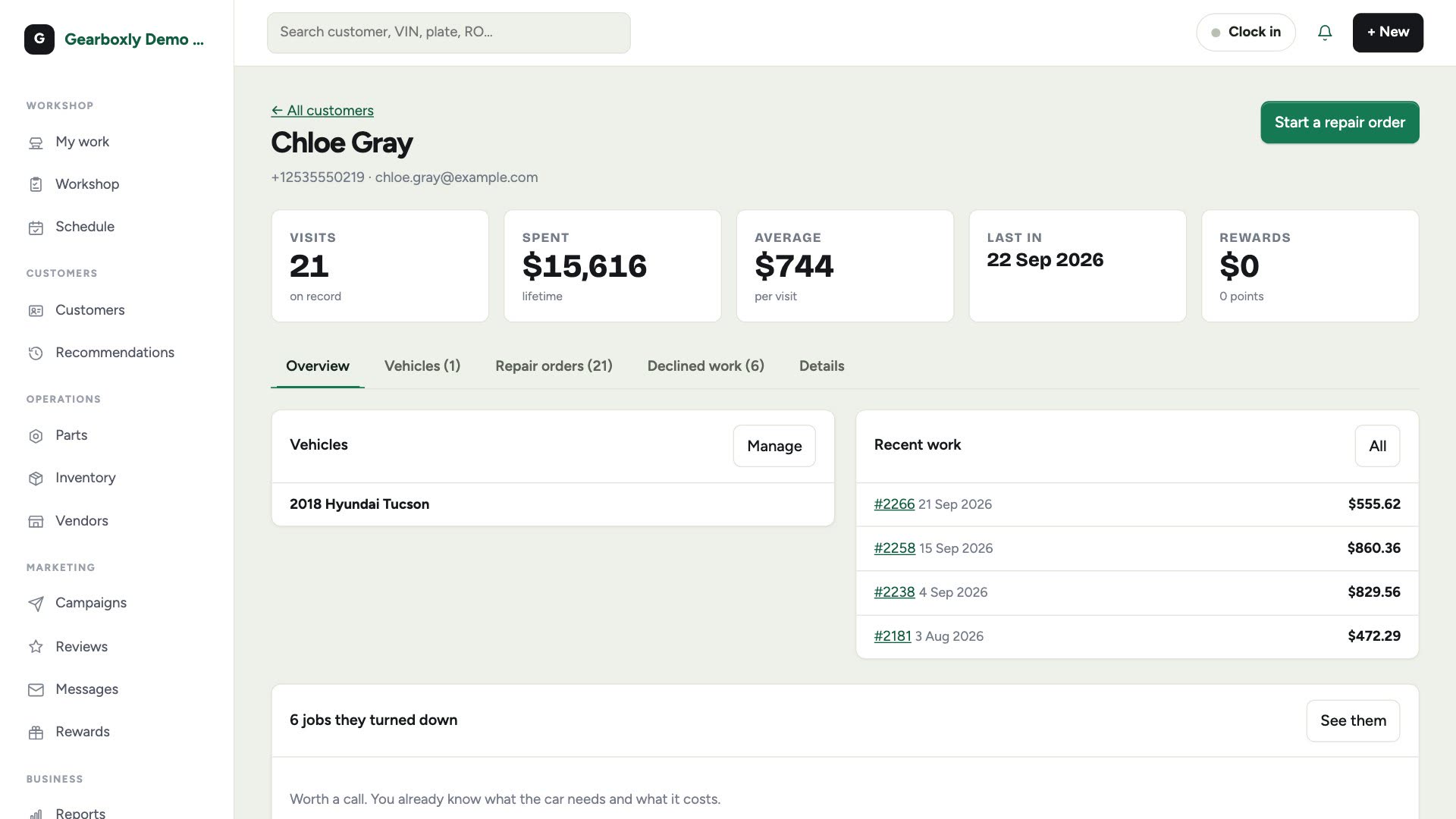
Their profile
The profile shows their cars, recent work, and the repairs they turned down, which are worth a follow-up.
Every visit
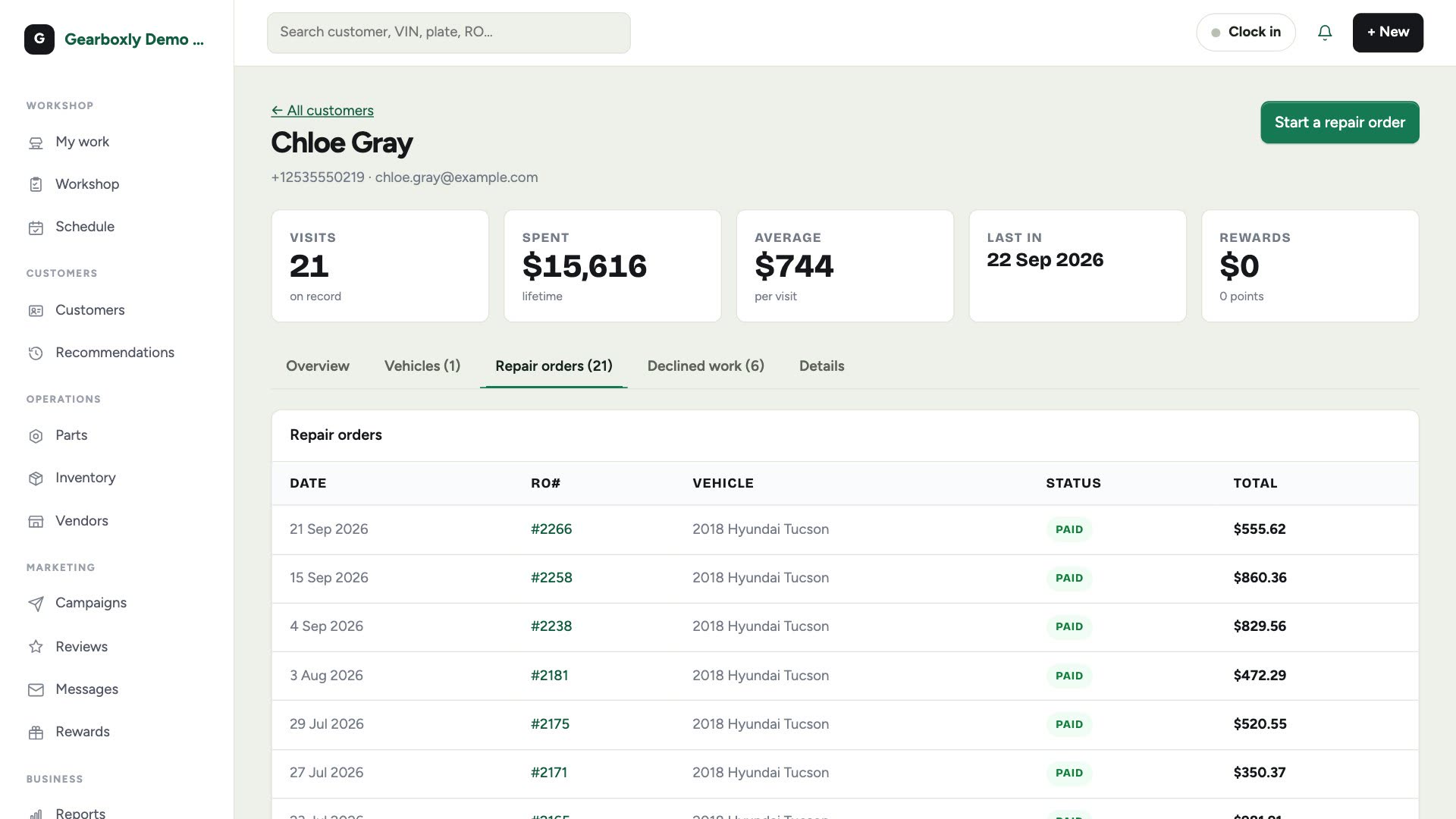
- 1Tap Repair orders on their profile.
- 2Every repair order they've had is listed, newest first.
- 3Tap one to open it.
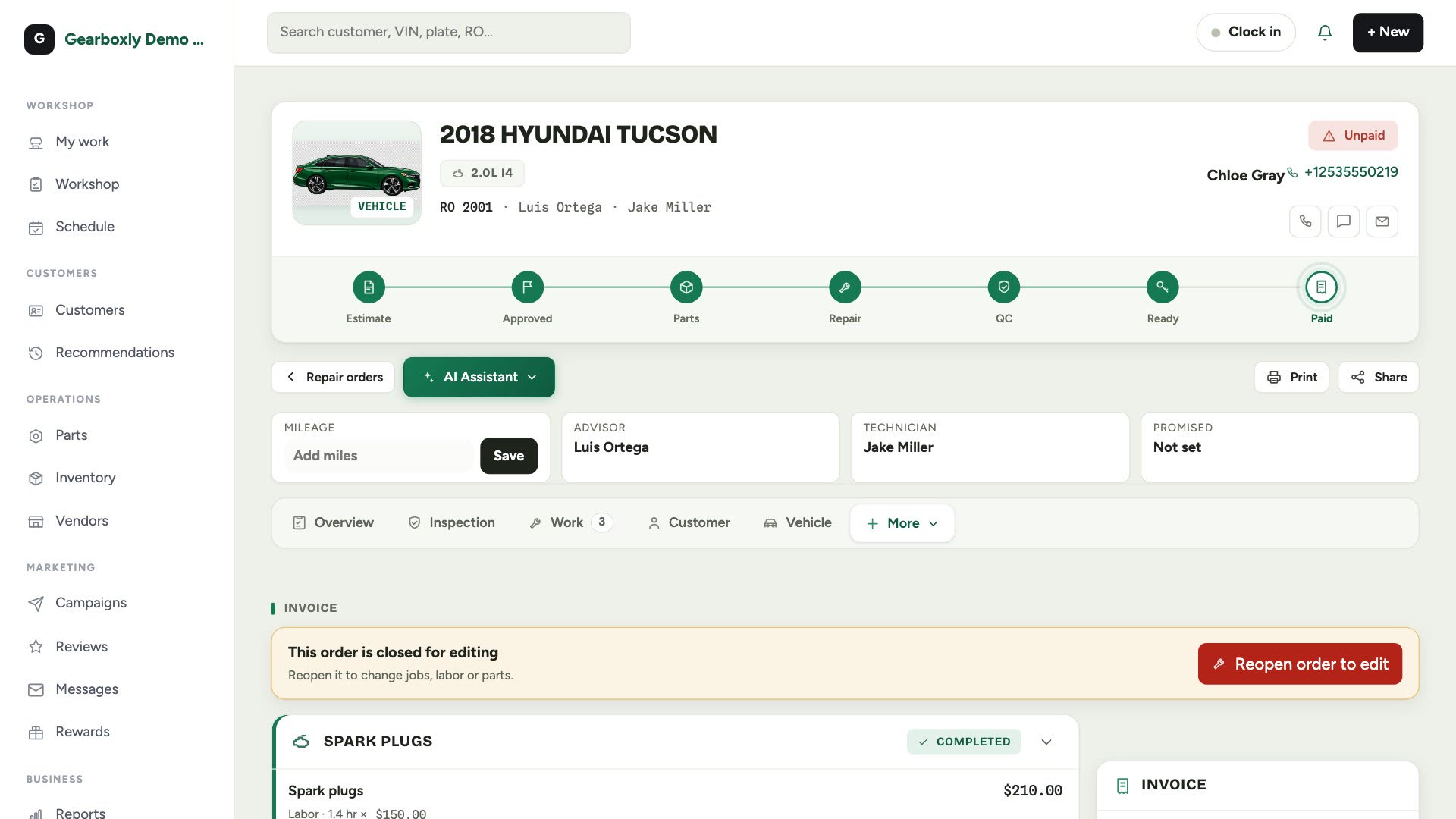
The old invoice
The repair order opens with what was done, what it cost, and how it was paid. Tap Print for a paper copy or a PDF, or Share to text or email it again.