Add someone
- 1Go to Staff and tap Add someone.
- 2Enter their name and email, and pick a role.
- 3They get an email to set their own password.
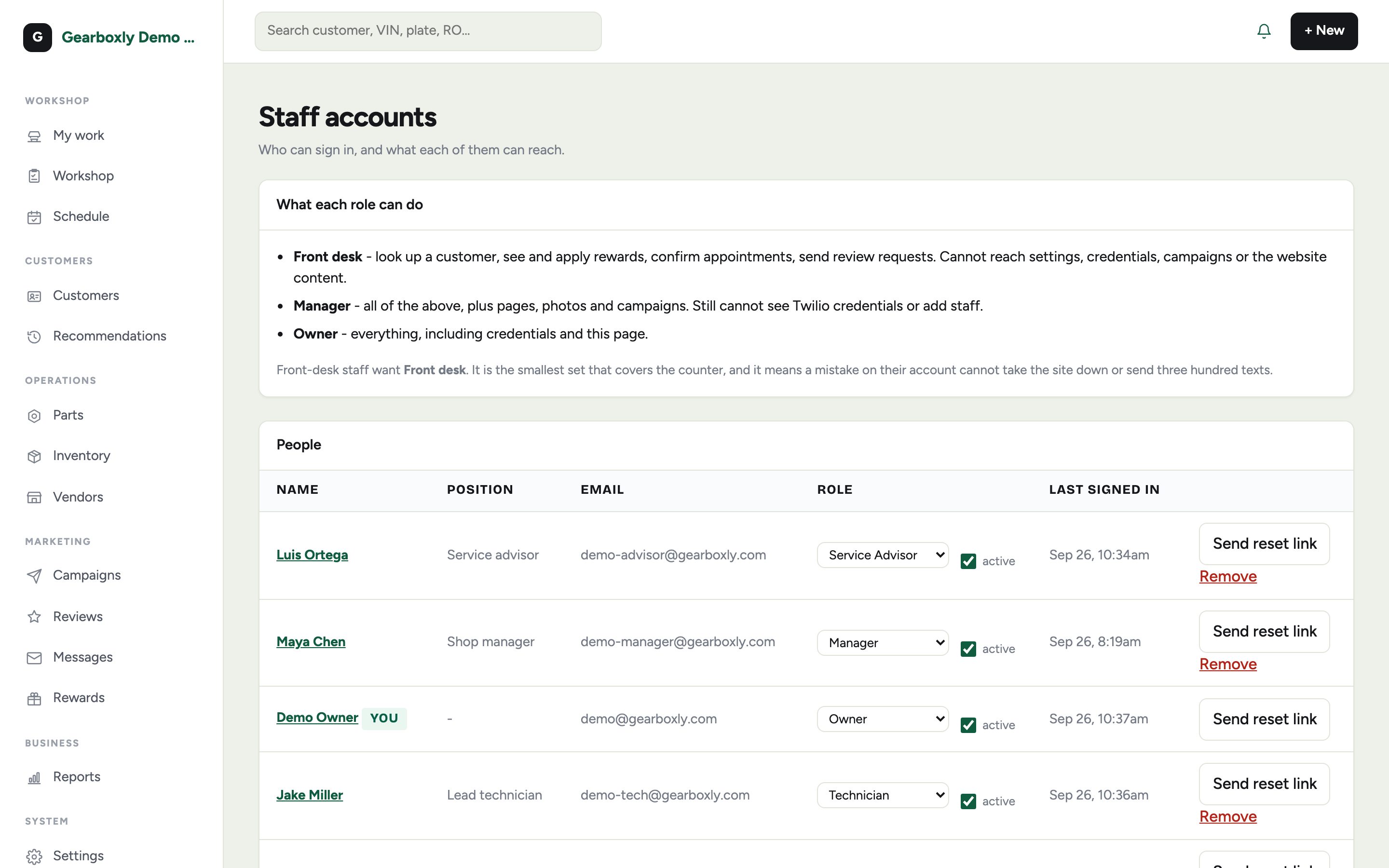
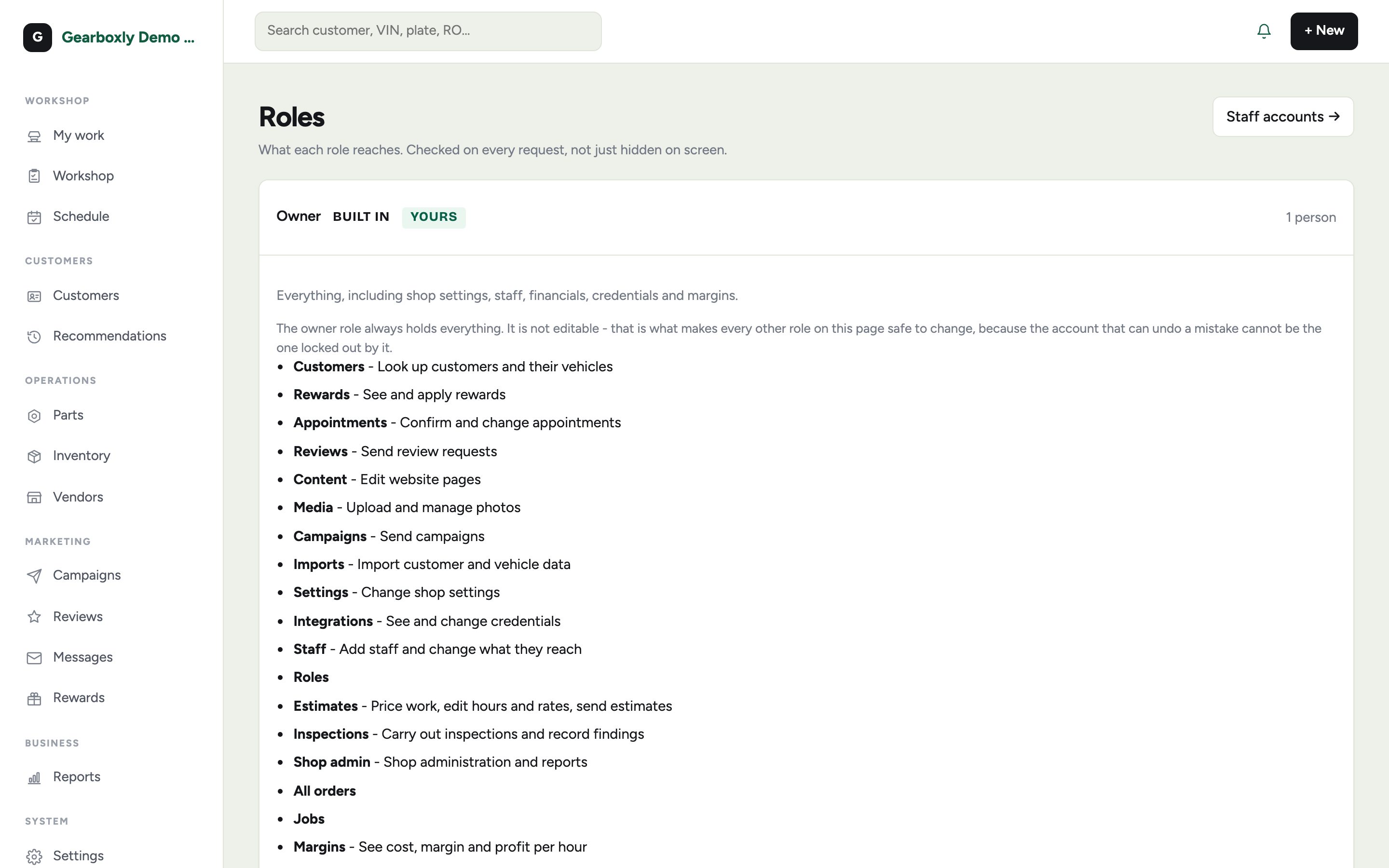
The four roles
- Owner
- Everything, including settings, staff, billing and margins. Can't be locked out.
- Manager
- Runs the shop day to day: every RO, pricing, staff. Not billing or roles.
- Service Advisor
- Customers, estimates, approvals, scheduling and parts.
- Technician
- Only their assigned cars. Inspections, jobs, clock and notes. No prices or customer contact details.