
Your shelf
Inventory lists every part you stock, with the bin location, quantity on hand, cost and your shelf price. Low stock is flagged so you reorder before a car is waiting.
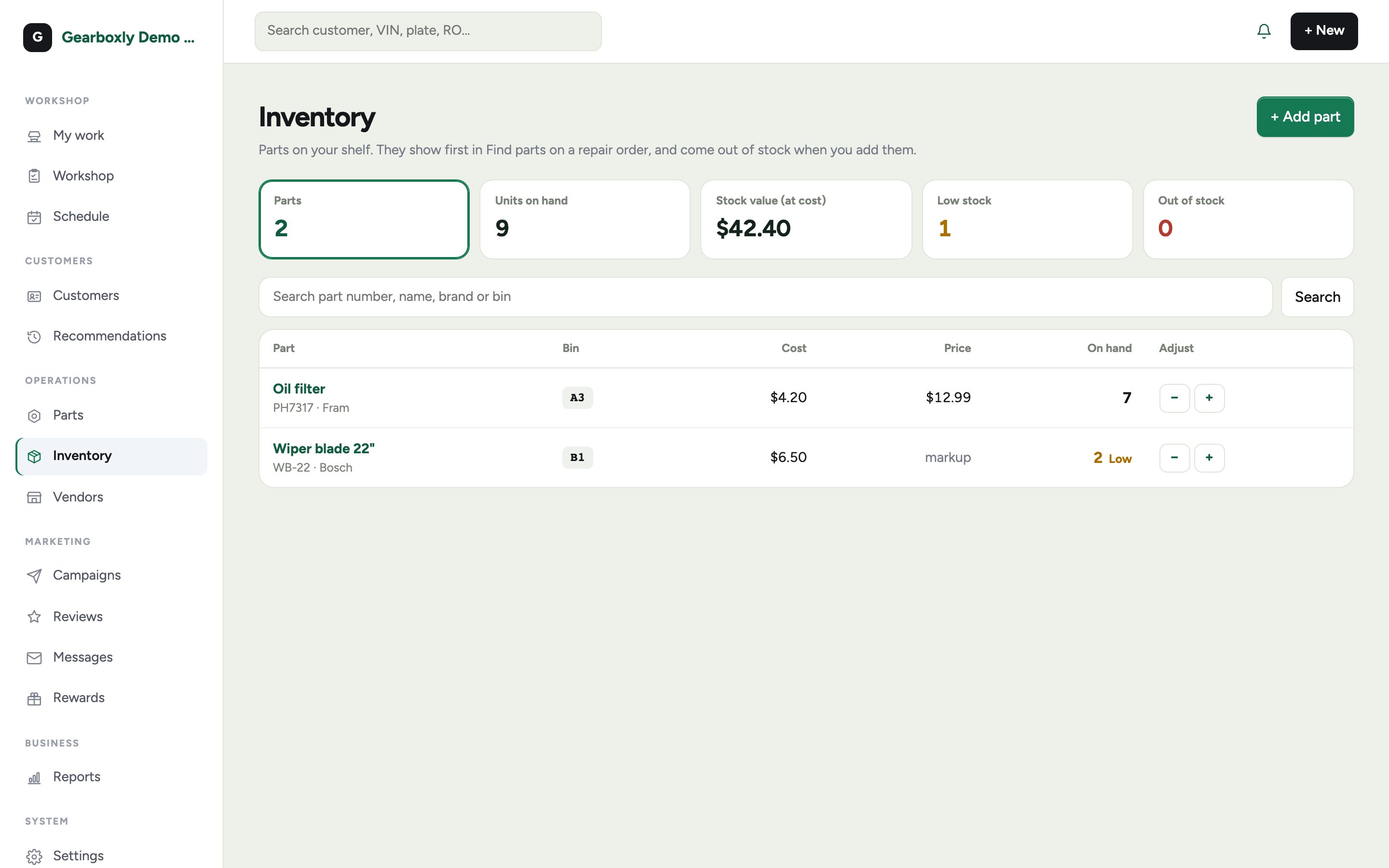
- 1Tap + Add part to start stocking something.
- 2When you add it to a job from the Inventory tab, the count drops by the quantity used.
- 3Receive new stock to put the count back up.