
What lands here
When a customer declines a job on an estimate, it's saved to Deferred work automatically with the price, their car and the mileage. It gets a date for when it's worth raising again: about two weeks for urgent repairs, six weeks for ones that need attention soon, and four months for ones to keep an eye on.
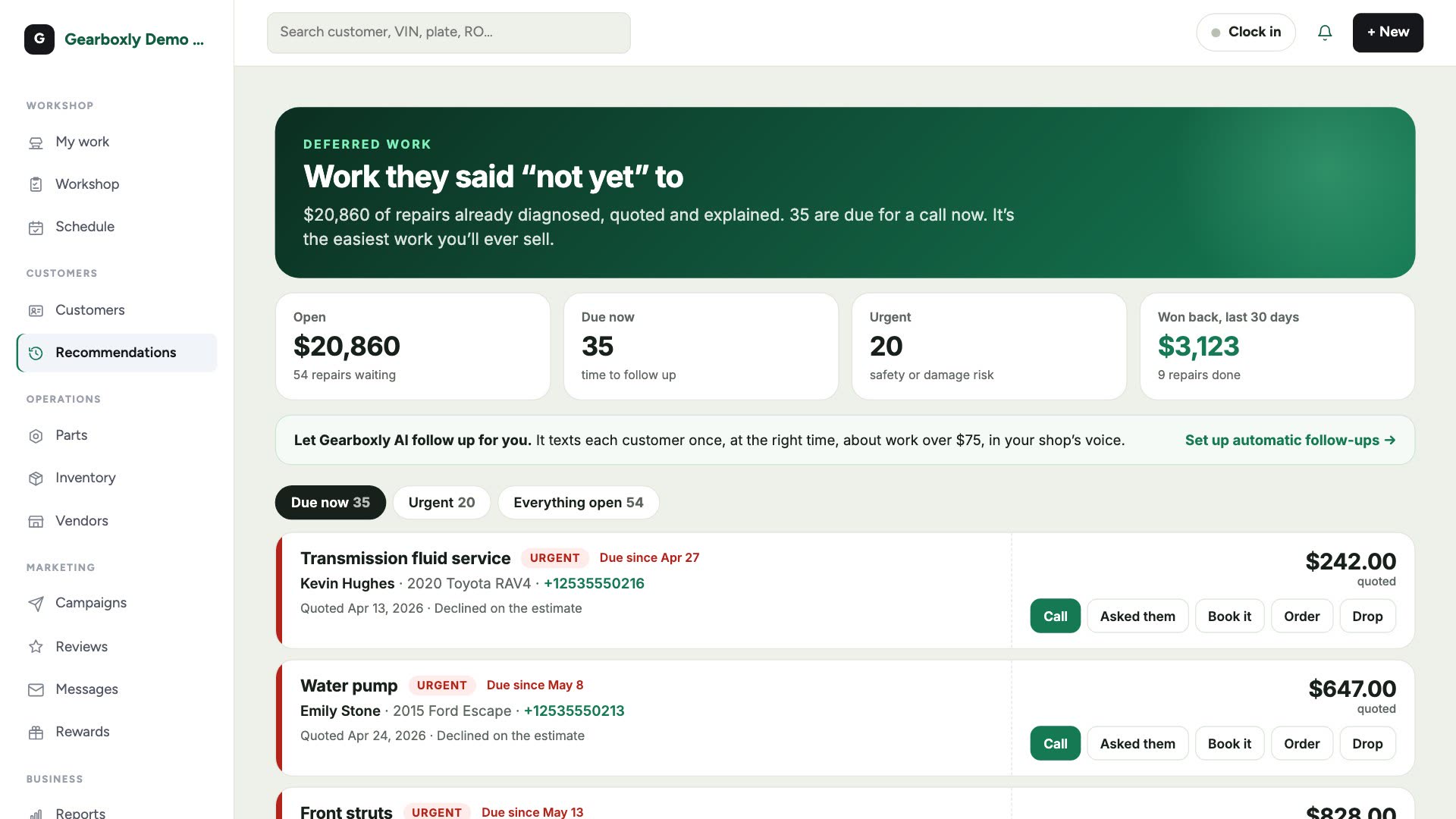
- Open
- The value of every declined repair still waiting.
- Due now
- Repairs past the date they're worth raising.
- Urgent
- Safety or damage risk. Call these first.
- Won back
- Declined repairs you've since done, in the last 30 days.
Follow up
- 1Open Deferred work in the sidebar. It opens on Due now.
- 2Tap Call to ring the customer.
- 3Tap Asked them afterwards, so nobody calls the same customer twice.
- 4If they want it done, tap Book it to put them on the calendar.
- 5Had it done somewhere else? Tap Drop and it leaves the list.
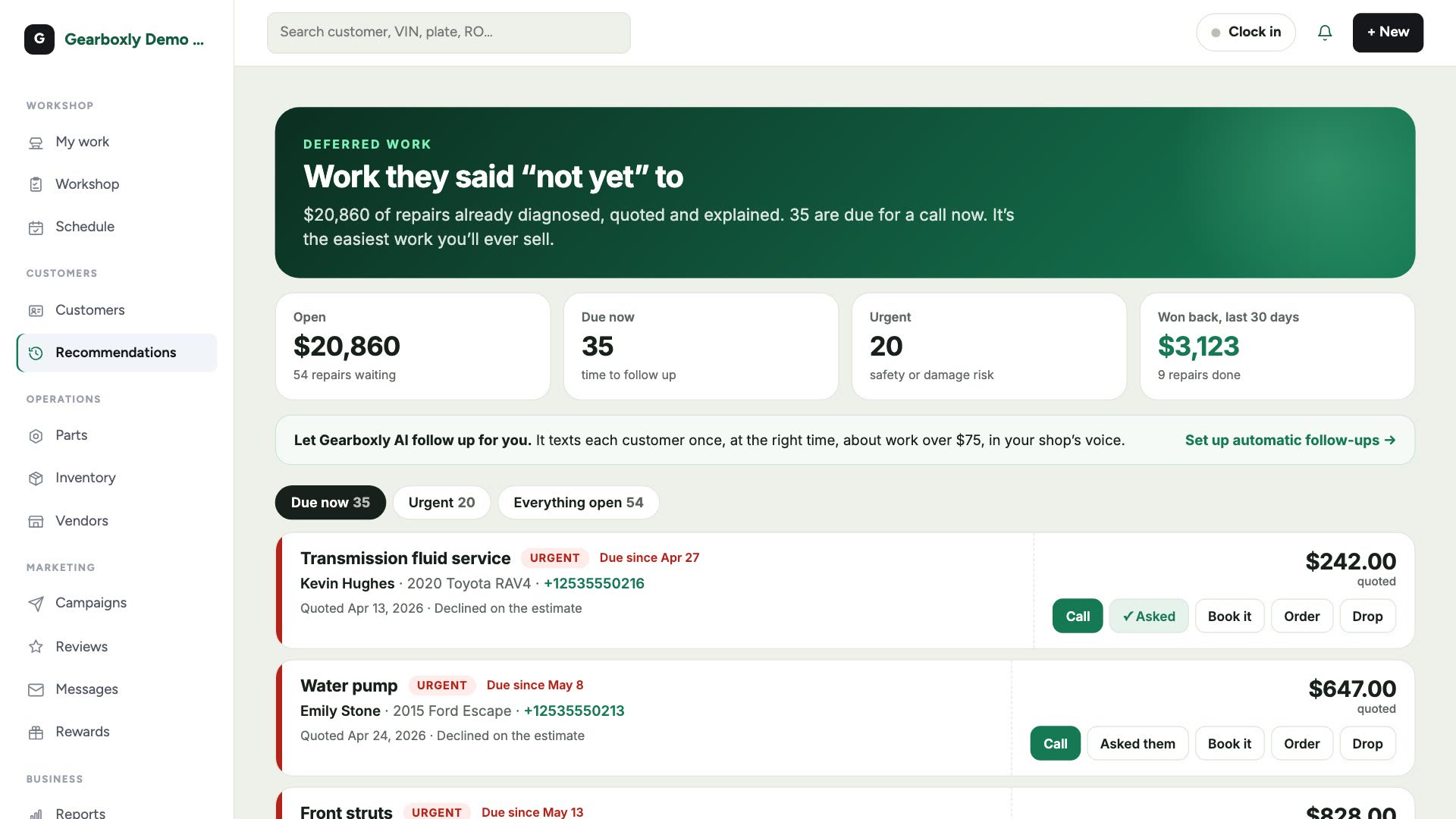
Let Gearboxly AI follow up
Rather not call? Set up automatic follow-ups from Campaigns. Gearboxly AI texts each customer once, about work over $75, at the right time, in your shop's voice. It skips anyone who's had the work done since.
When a customer comes back and the repair is done on a new repair order, it's marked as won back automatically.