
What's going well
Open Campaigns. The top of the page shows the last 90 days from your own repair orders: your top service and how it's changed, how many customers come back, declined work waiting, and customers you haven't seen in six months.
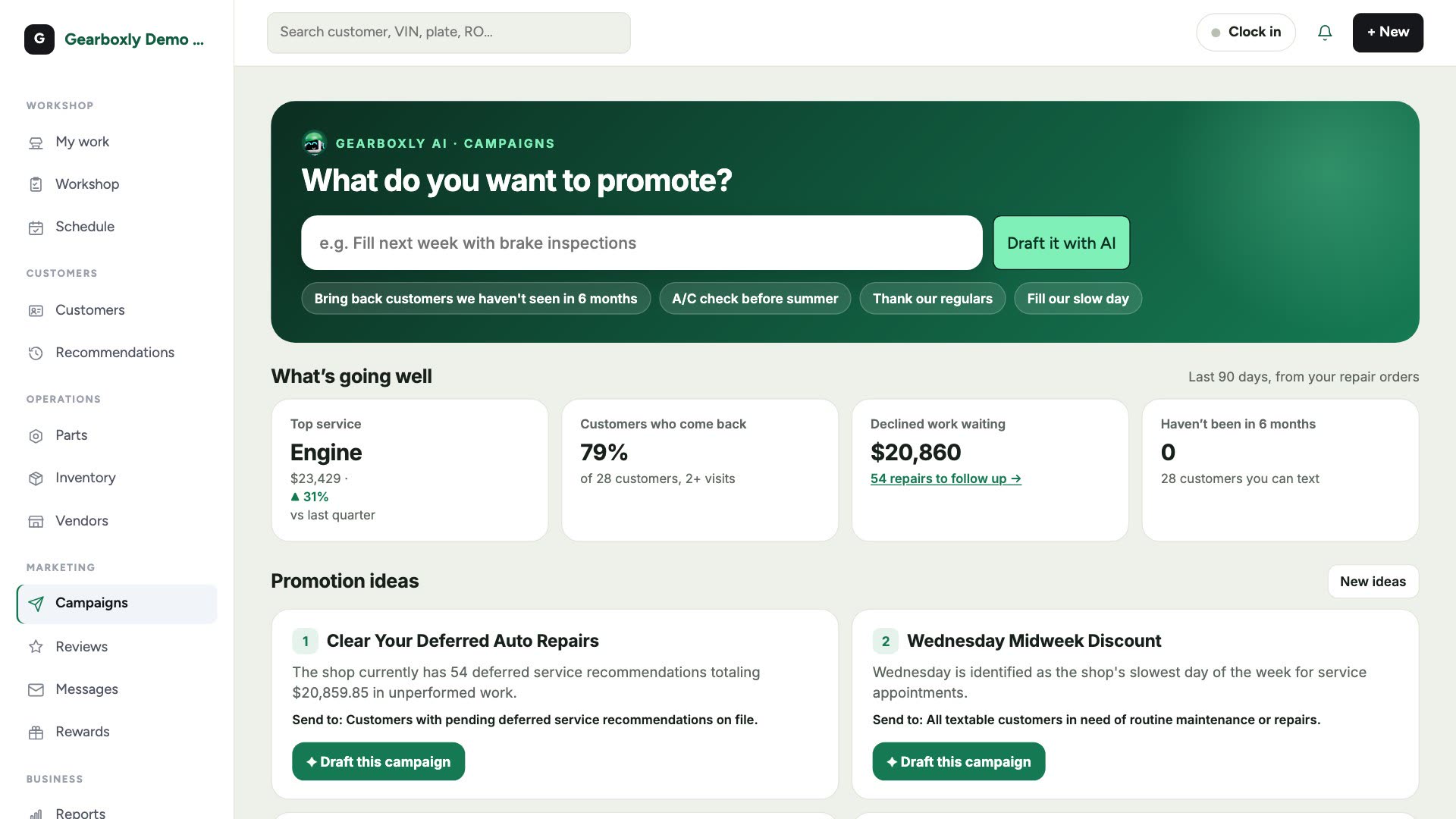
Promotion ideas
Gearboxly AI turns those numbers into four promotion ideas for your shop, each with the reason and who to send it to. Tap Draft this campaign on the one you like. New ideas gives you a fresh set.
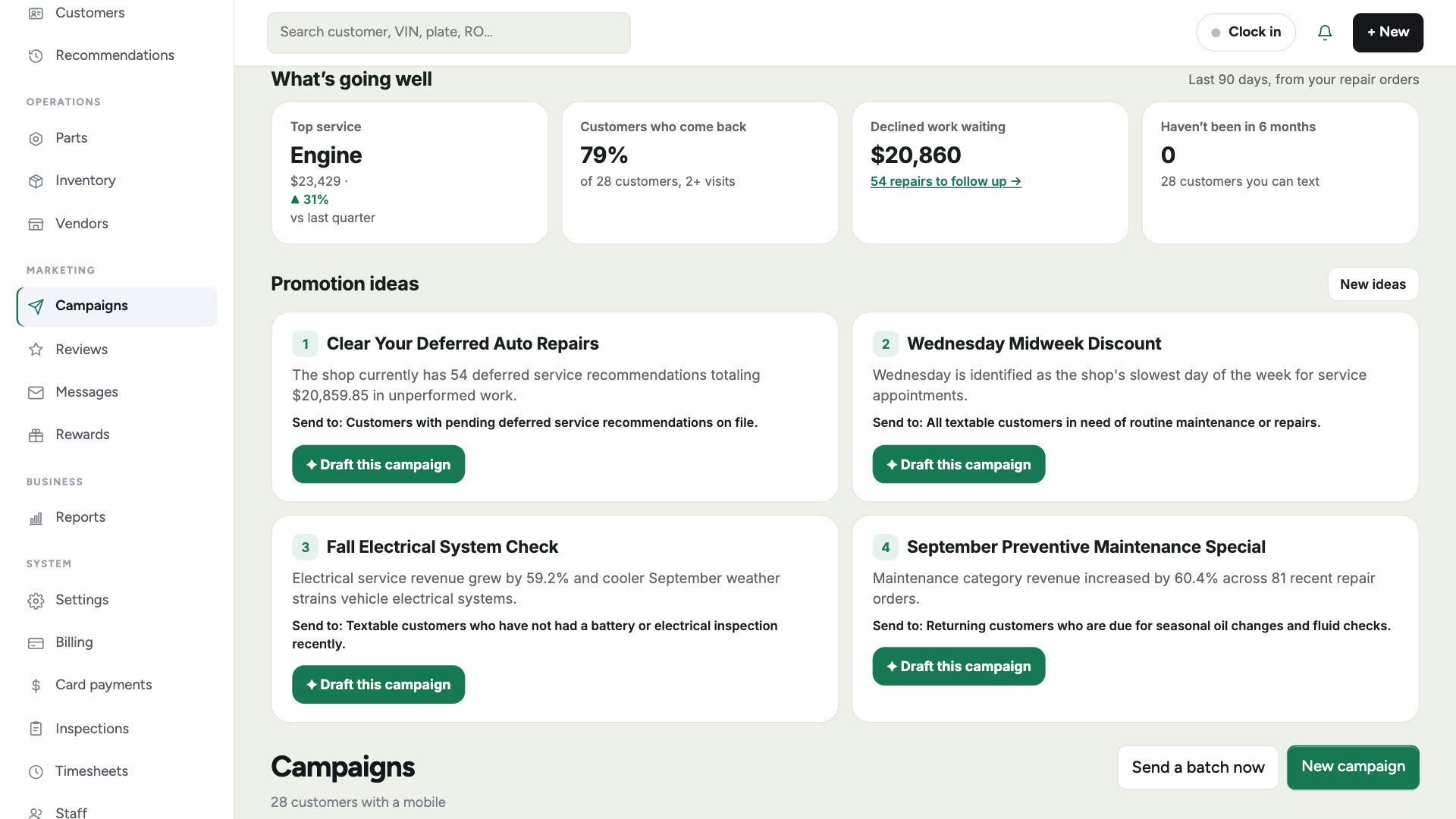
Ideas are refreshed once a day, so the page opens instantly.
Draft a campaign
- 1Type what you want to promote in What do you want to promote, or tap one of the suggestions.
- 2Tap Draft it with AI. Gearboxly AI writes the text with your shop's name, a booking link and the opt-out line.
- 3Tap Friendlier, Shorten, Add urgency or another option to adjust it.
- 4Choose who gets it, and the channel: text or email.
- 5Save it as a draft, then queue it when you're ready.
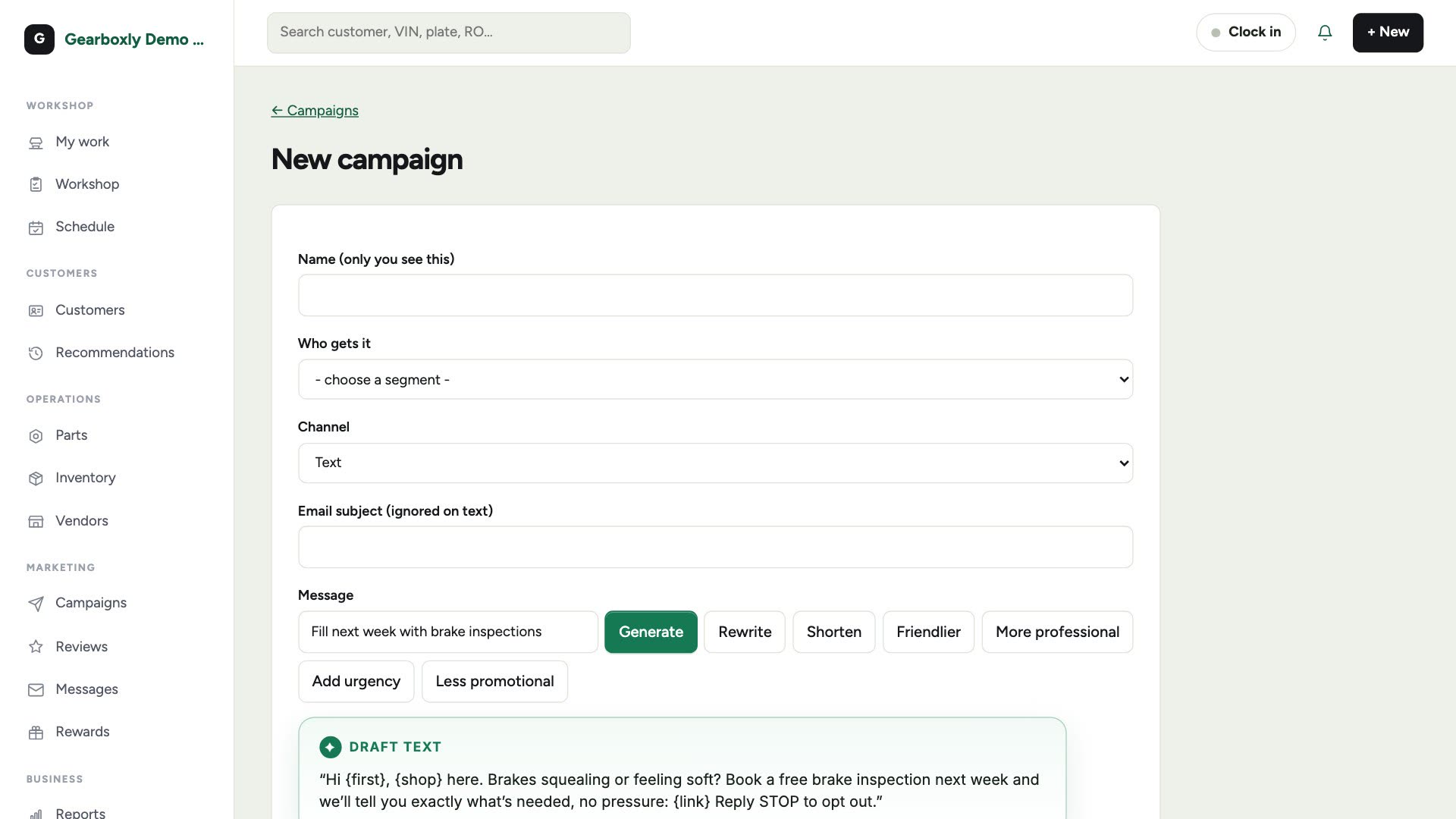
Texts only go to customers who agreed to receive them, and every text includes Reply STOP to opt out.
Templates, automations and audiences
Below the ideas you'll find ready-made templates (welcome, we miss you, oil change due, seasonal checks, thank you), automations like declined-work follow-ups, and audiences you can build from your customer list.