
From the bay
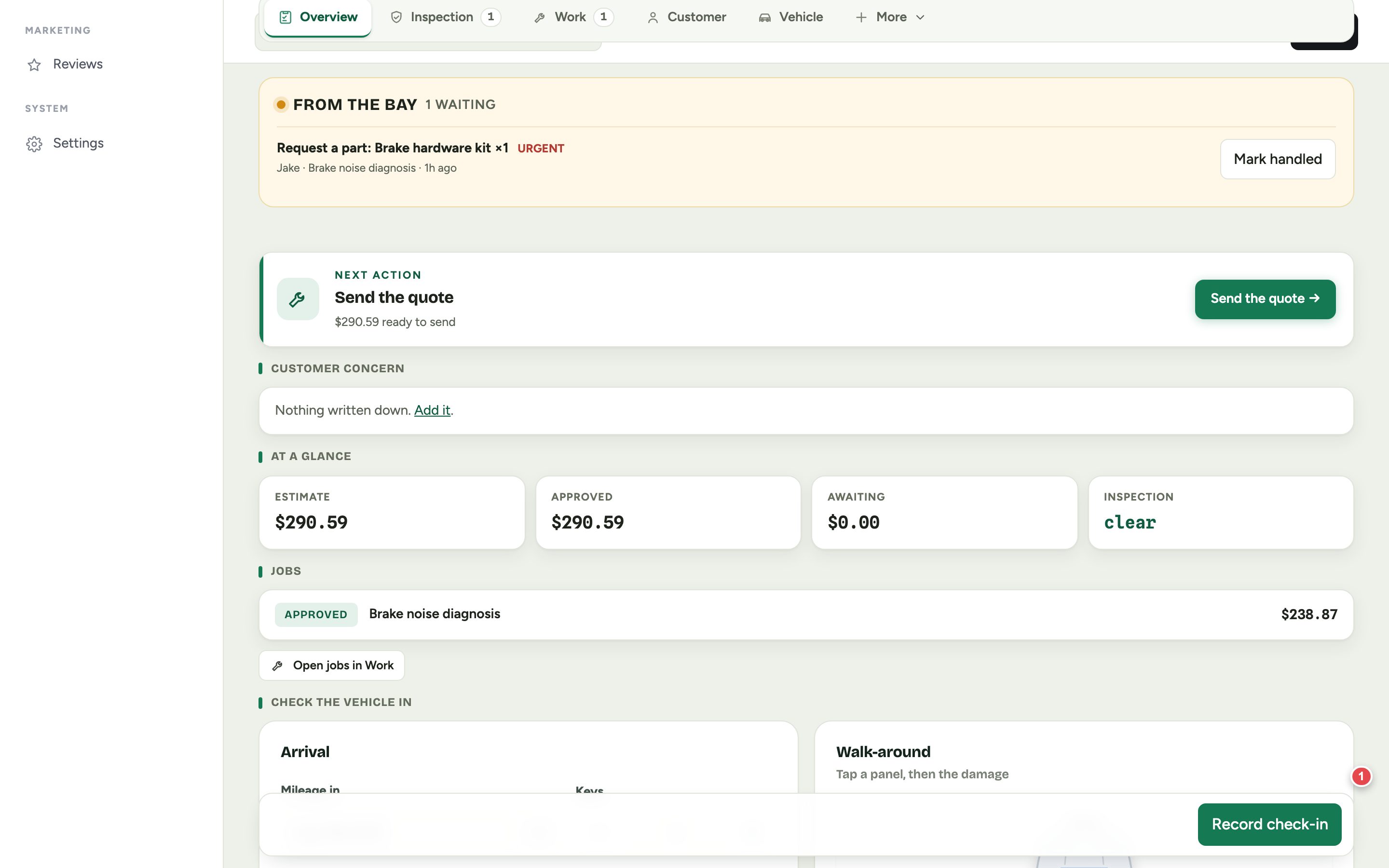
When a technician asks for something, it appears at the top of the RO under From the bay, and in your notification bell. Urgent requests are flagged.
- Part requests
- Order the part, add it to the job, then tap Mark handled. The tech sees it on their phone.
- Questions and problems
- Answer or sort it, then tap Mark handled.