Now on Google Play
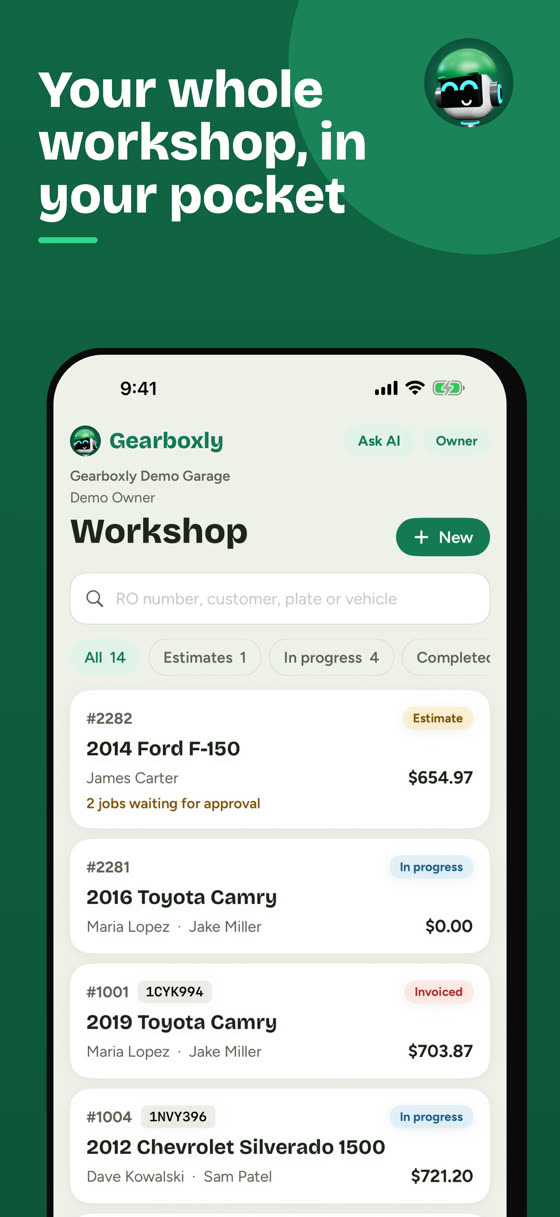
Your whole workshop, in your pocket
The Gearboxly Shop app puts the shop on your phone for the owner, the service writer and the technician. Check cars in, build and send estimates, run inspections with photos, text customers, clock in and take payment.
Sign in with your Gearboxly shop login. Start a free 14-day trial if you do not have one yet. The iPhone app is coming soon.
What you can do in the app
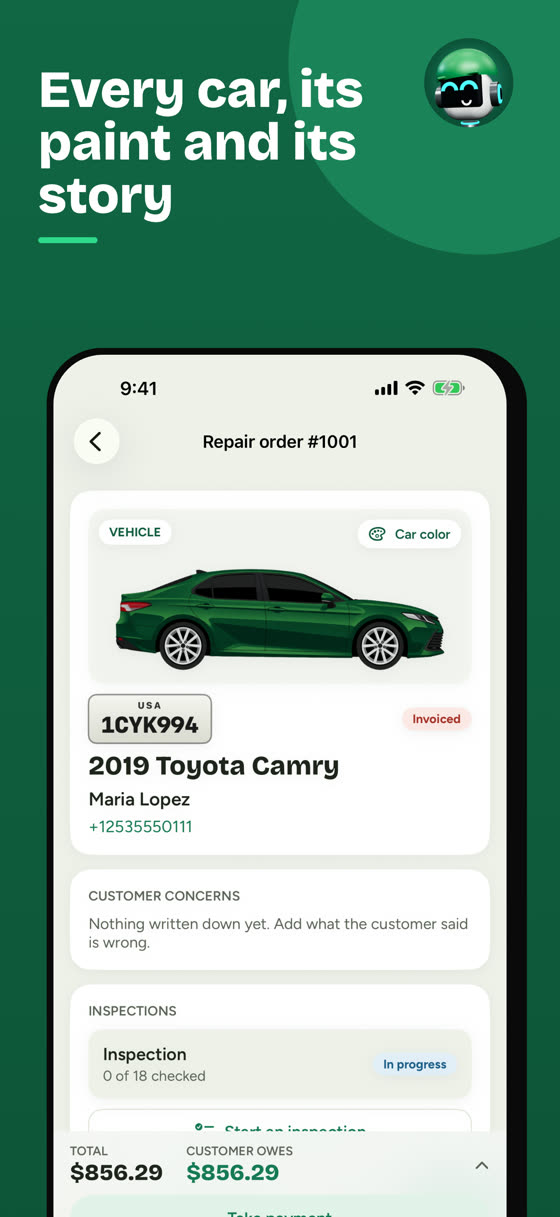
Check a car in
Scan the VIN barcode on the door jamb or windshield and the year, make, model and engine fill in. Walk around the car on a diagram and mark scratches and dents with photos. Write down what the customer said, by typing or with your voice.
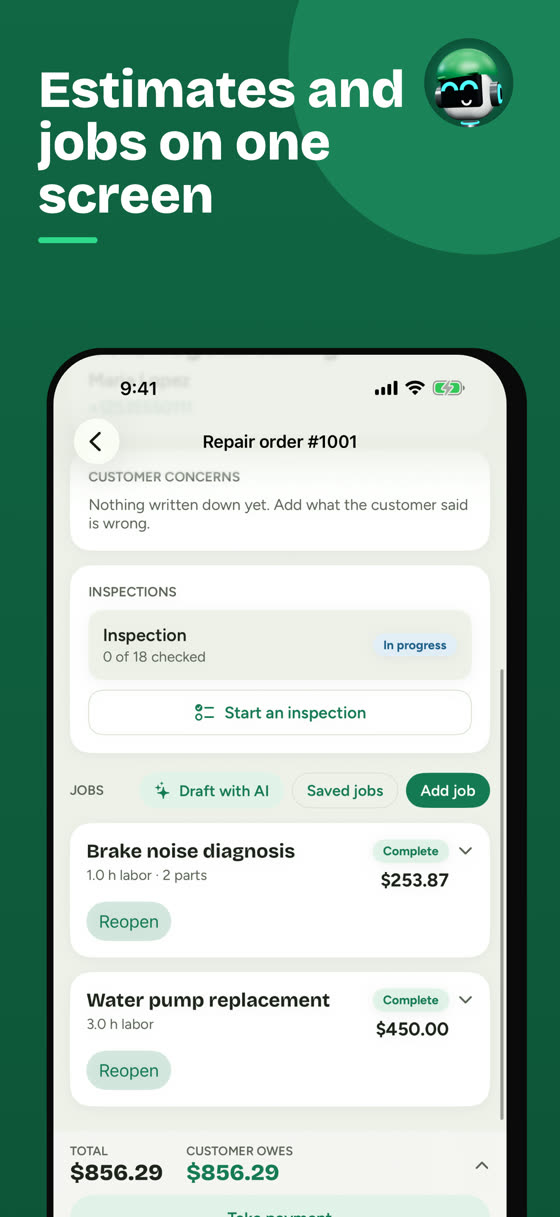
Estimates and repair orders
Build jobs with labor and parts on one screen. Look up labor times for the exact vehicle, search parts from your supplier and price them with your parts matrix. Send the estimate by text or email, see when the customer approves it, then invoice and take payment.
Digital inspections
Grade a checklist green, yellow or red. Take photos in the app, draw circles and arrows on them, and turn red and yellow findings into estimate jobs with one tap.
AI that saves typing
Draft an estimate from what the customer said or from the inspection findings. Speak your notes instead of typing them. Ask Gearboxly about specs, capacities and codes. You review everything before it goes on the order.
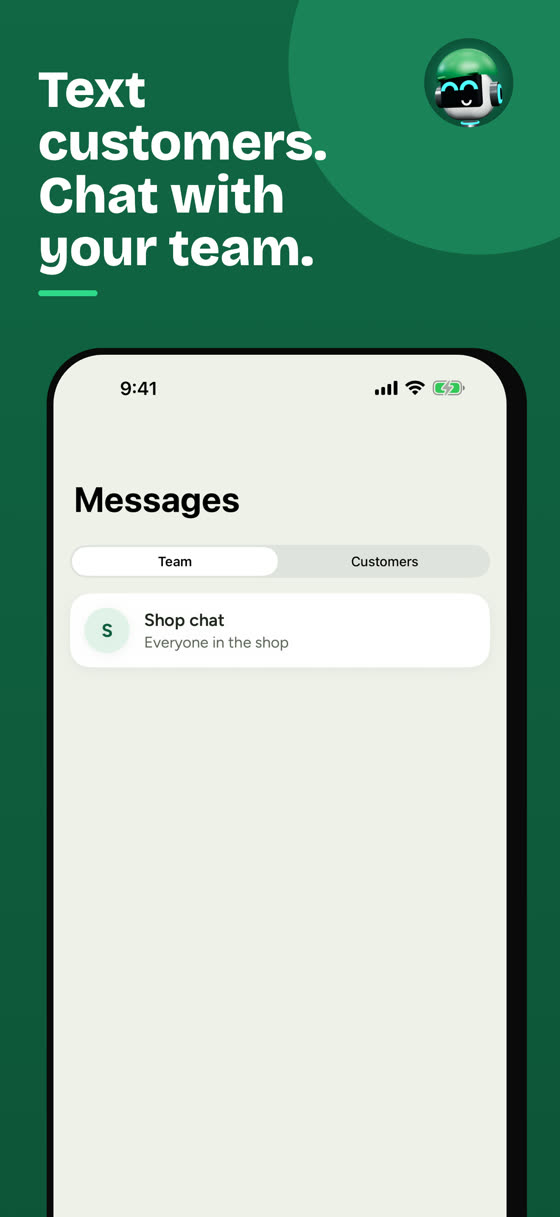
Talk to customers and your team
Two-way texting on the shop’s own number, a chat on every repair order and push notifications when an estimate is approved or a car is ready.
Clock in and out
Staff clock in and out from their phone, with the same clock-in rules the owner sets for the shop.
For the owner
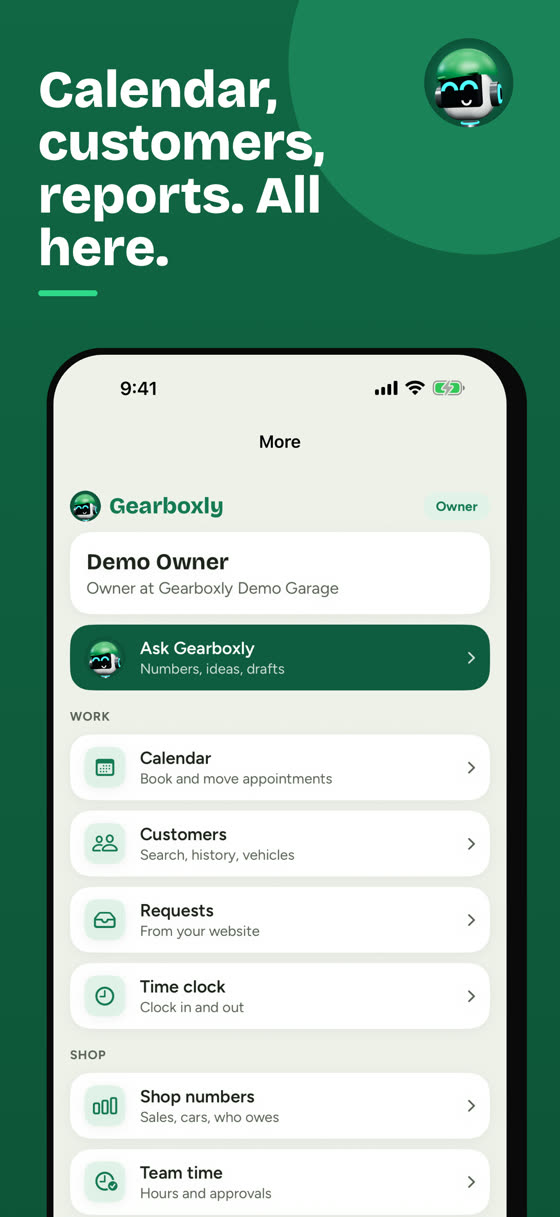
Today’s numbers, reports, your team’s hours and what needs attention. Requests from your website, the calendar, customers and the cores suppliers still owe you. Put a live board on a shop TV.
Built for the shop floor
Big buttons, light and dark mode, and an optional app lock. Two-step sign-in works the same as on the website.
A look inside
Screens from the Gearboxly Shop app, shown on an iPhone. The Android app has the same screens.
Questions about the app
- Where do I get the Gearboxly Shop app?
- On Google Play: search for Gearboxly Shop, or use the Get it on Google Play button on this page. It is for Android phones and tablets.
- Is there an iPhone app?
- Not yet. It is coming soon to the App Store. Until then, Gearboxly runs in the iPhone’s web browser.
- How do I sign in?
- With your Gearboxly shop login, the same email and password you use on the website. You need a Gearboxly shop account first, and you can start one free for 14 days.
- What does it cost?
- The app itself is free to download. It is included with every plan, see the pricing page.
- What do the camera and microphone do?
- The camera scans the VIN barcode and takes inspection and walk-around photos. The microphone is used only for voice notes you choose to record. Both are optional.
- Who sees what?
- The app shows each person what their role allows, the same as the website. Owners see numbers and staff settings, service writers see estimates and customers, and technicians see their own work.
- Does it work without the website?
- The app connects to your shop’s Gearboxly account, so you need a connection. Everything you do in the app shows up on the website, and the other way round.
Get the Gearboxly Shop app
Free to download from Google Play. iPhone is coming soon.